


Botslab G980H Dashcam as a 4-channel system for only €189.99

The Botslab G980H 4K Dashcam is now also available as a 4-channel system, but with 3K resolution: In addition to the rear camera, the dashcam now houses not only a front camera, but also two side cameras, both of which can be swiveled into the cabin interior.
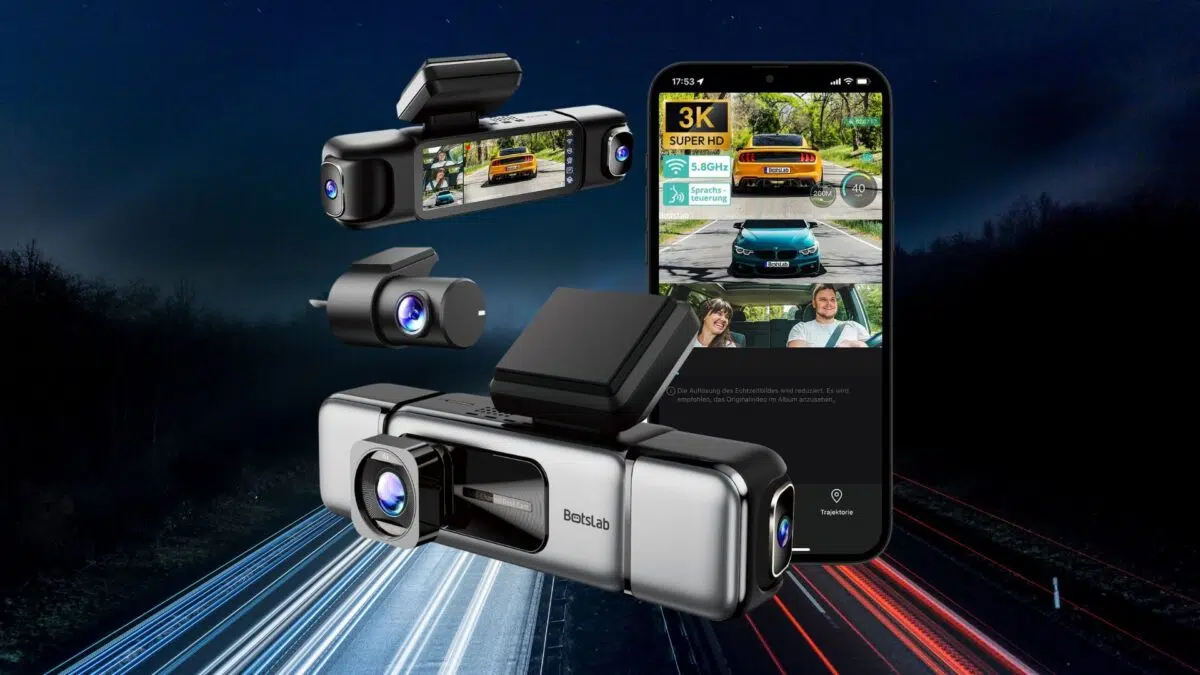
- 4-channel dashcam system with 3K resolution each
- extensive functions (GPS, ADAS)
- Bluetooth and Dual-WiFi
- App connectivity
The Botslab G980H 4K Dashcam impressed us in the test below. That's why we requested the Hardware Kit from the manufacturer, which enables 24h parking surveillance. We have summarized our experiences in the "Parking Mode" section before the conclusion. So feel free to scroll down =)
Hit-and-runs used to be the exception, but today they are more the rule. In road traffic, an extra pair of eyes is therefore invaluable, especially in an emergency. For this, there are car cameras like the Botslab G980H 4K Dashcam.
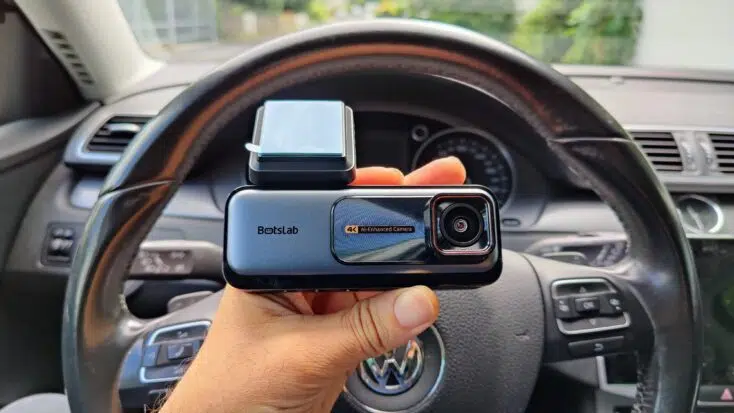
Technical: 4K, ADAS & GPS
| Manufacturer | Model | Botslab | G980H |
| Resolution | front: 4K, rear: 1080P |
| Sensor | Sony IMX415 "STARVIS", 8.4 MP with F1.5 aperture |
| Field of View | front: 170°, rear: 140° (adjustable to 150°) |
| Display | 2.45 inch LCD |
| Battery | no, capacitor |
| Dual-channel recording | yes, if supplied rear camera is installed |
| Features | Loop-Recording, Night Vision, ADAS (Advanced Driver-Assistance Systems), HDR (High Dynamic Range), WDR (Wide Dynamic Range), Dual-WiFi, GPS, NPU (Neural Processing Unit), App connectivity, Timelapse, G-Sensor for 24H Parking Surveillance (optional Hardware Kit) |
Legal: permitted, but only event-related
According to ADAC, the use of dashcams in Germany is generally permitted, although their use remains controversial. This is due to the strict data protection regulations. In Germany, filming individuals without their consent is not permitted. Recordings of individuals or their license plates may also not be posted online or generally distributed without permission.

You are on the safe side if you only film event-related, for example in the context of an accident. Dashcams have special modes for this, which record not only the event itself, but also the time immediately before and after.
The use of dashcams remains problematic, especially if you film permanently ("Loop-Recording"). This constitutes a violation of the General Data Protection Regulation (GDPR). Although clips are overwritten during loop recording after a certain (not uniformly regulated) time or when the memory card is full, this varies from provider to provider.
Nevertheless, dashcam recordings have been admitted as evidence in various proceedings - even when continuous filming took place. Here, the court always carries out a balancing of interests in individual cases. However, the legislator has yet to provide a uniform regulation.
Design: high-quality & elegant
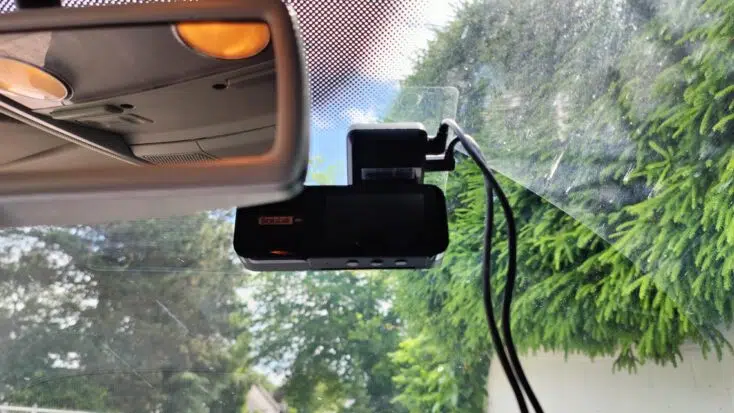
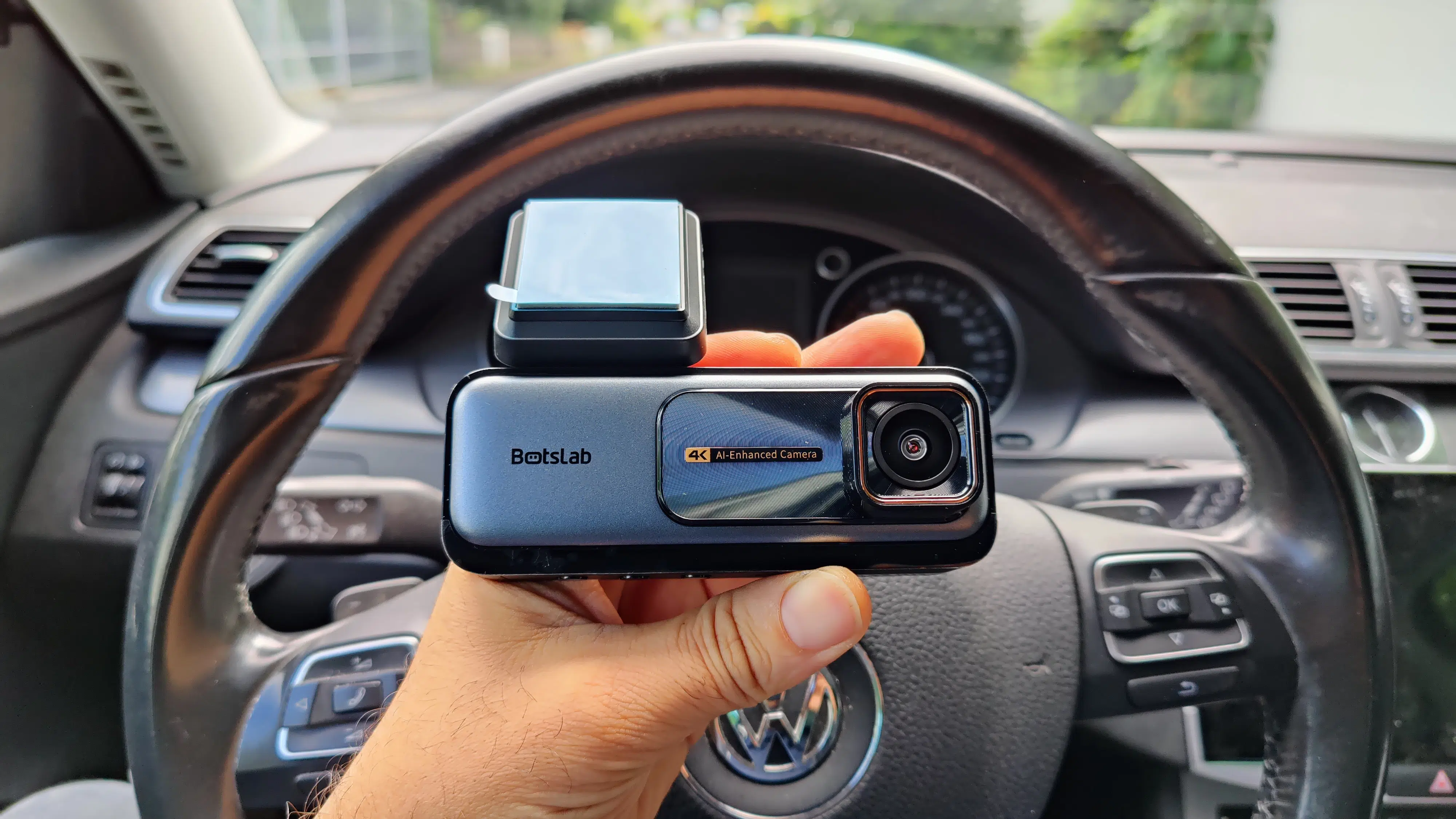
I particularly like the subtly patterned surface next to the camera module with the inscription "4K AI-Enhanced Camera" on the 14 x 11 x 7 cm Botslab G980H 4K Dashcam. On its underside there are 3 buttons, the middle one of which is marked with a green dot.
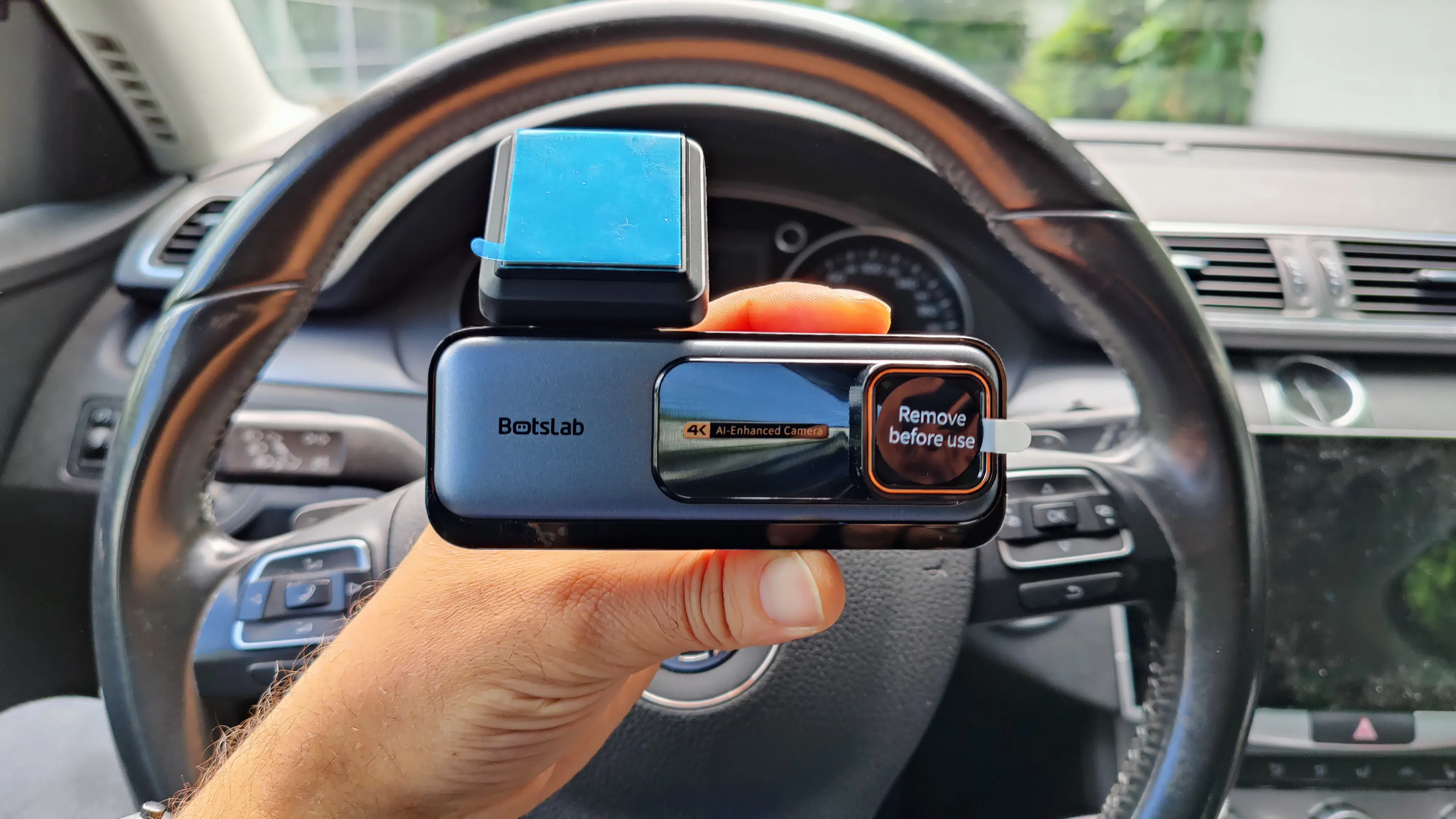
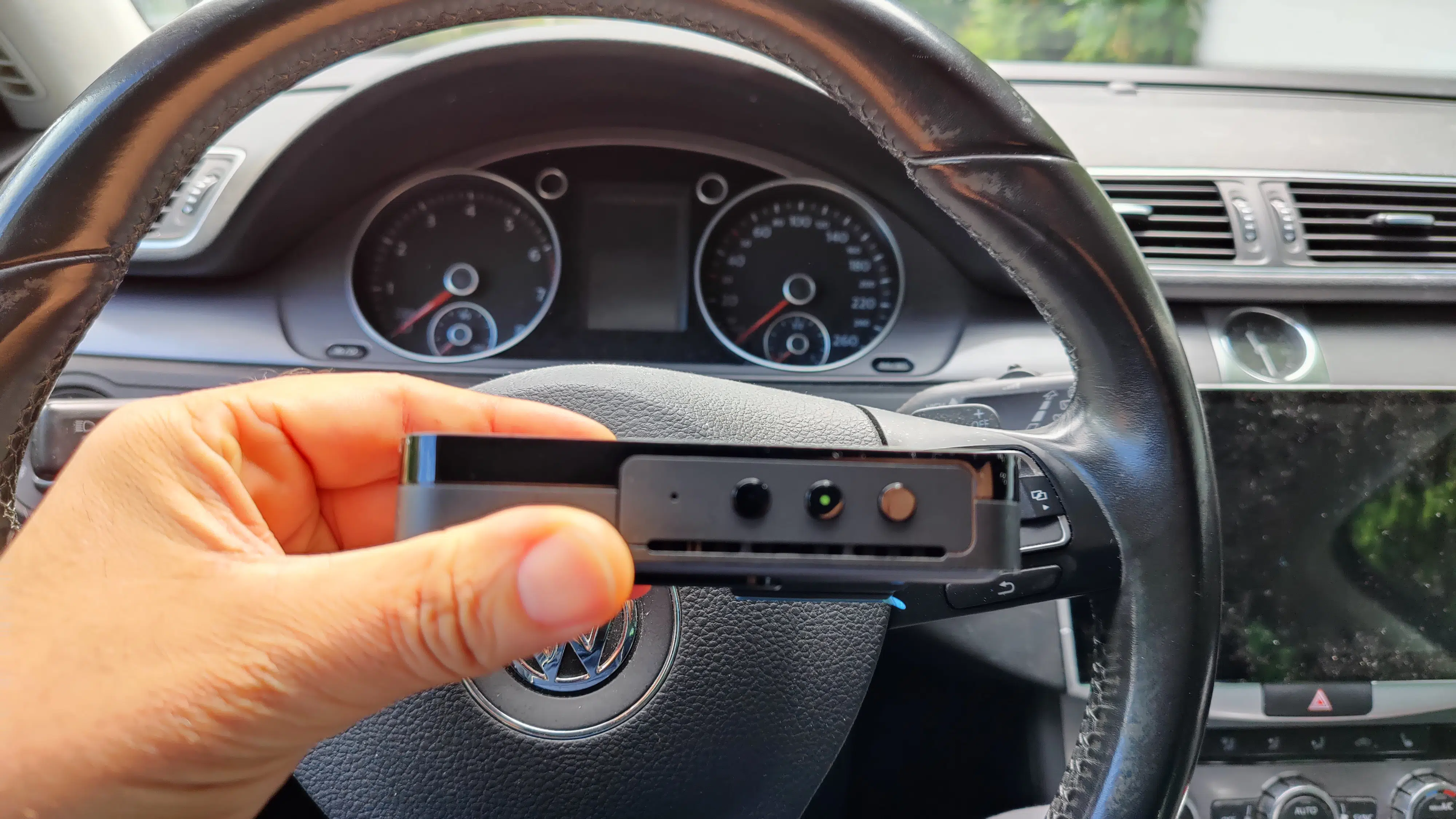
On the right side, there's a subtle status LED, while on the opposite side, there's a slot for a maximum 256GB MicroSD card. At the back, there's a 2.45-inch LC display – unfortunately, without touch functionality.
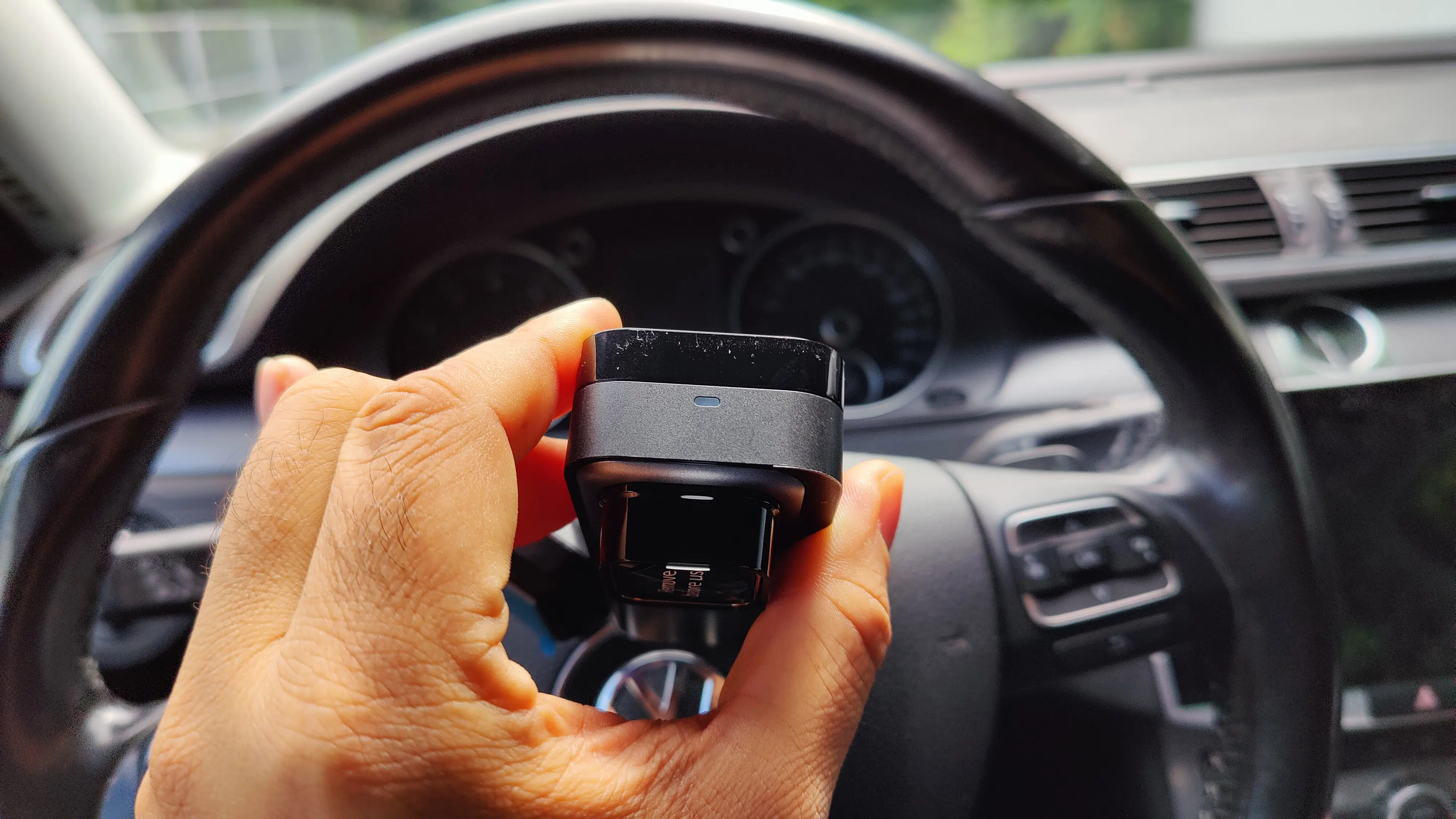
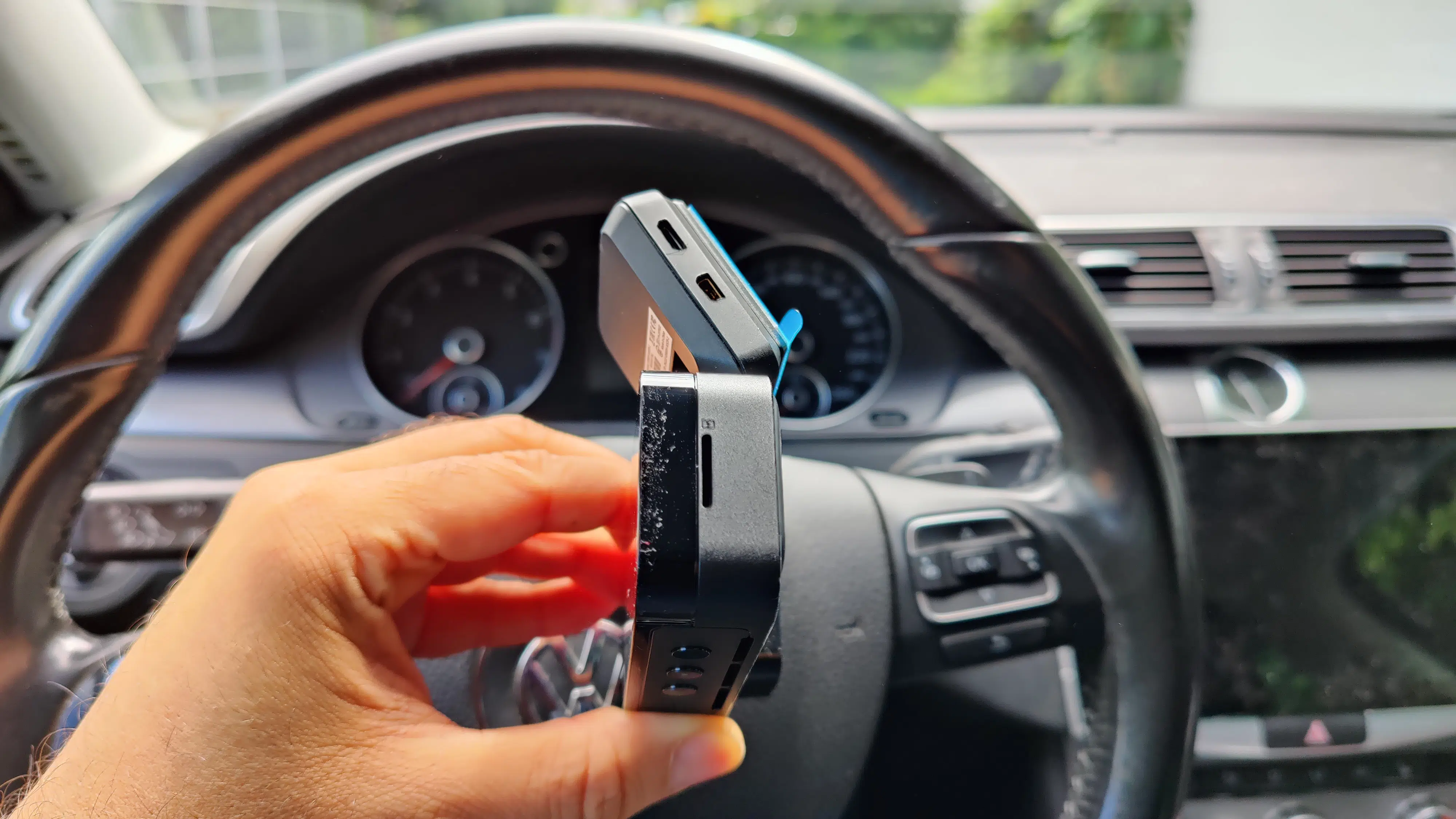
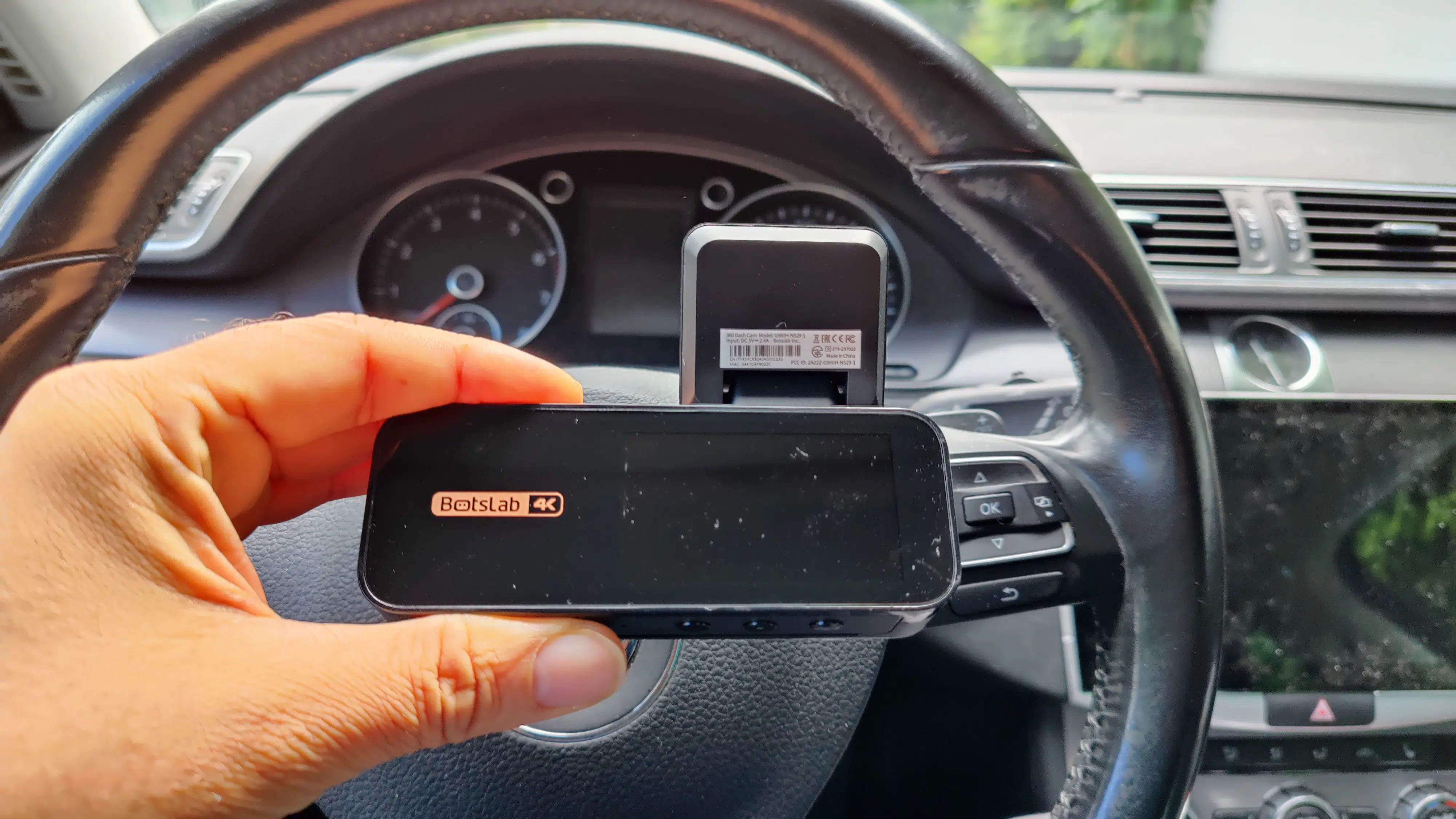
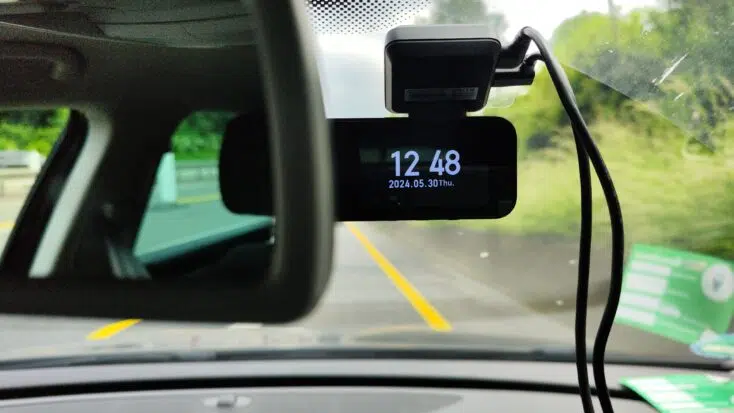
The windshield mount, including adhesive, located above the actual camera, houses both connections for the camera's power supply and the rear camera.
Features: far more than 4K
What's the most important part of any camera? Exactly! The lens along with the camera sensor: Here, the Botslab G980H relies on the Sony IMX415 "STARVIS" – an 8.4 MP sensor with an F1.5 aperture, delivering 4K recordings.
HDR (High Dynamic Range) and WDR (Wide Dynamic Range), as well as Night Vision, ensure optimized lighting conditions for recordings even at night. The latter also benefit from an almost gigantic 170° field of view. The recording quality of the 1080P rear camera, which still offers a very good 140° (adjustable to 150°) field of view, is also impressive. For comparison: The field of view of the 70Mai Pro Plus+ A500S-1, which we also tested, is only 140° at the front.
Dual-channel recording is automatically activated as soon as the rear camera is installed. Recording takes place in the aforementioned loop recording, in the form of small 60-second clips. In the event of an impact, an emergency clip is recorded thanks to the built-in shock sensor (G-sensor). If desired, GPS coordinates are also saved and can be viewed via Google Maps.
A highlight is certainly the ADAS and thus the integration of advanced driver assistance systems, which are also AI-supported thanks to an NPU with 1.5 TOPS. Botslab thus promises not only a distance warning to the vehicle in front, fatigue detection, and a lane change warning; they also aim to impress with the detection of pedestrians and cyclists, as well as the detection of a vehicle starting in front of you. The practical test will show how this works.
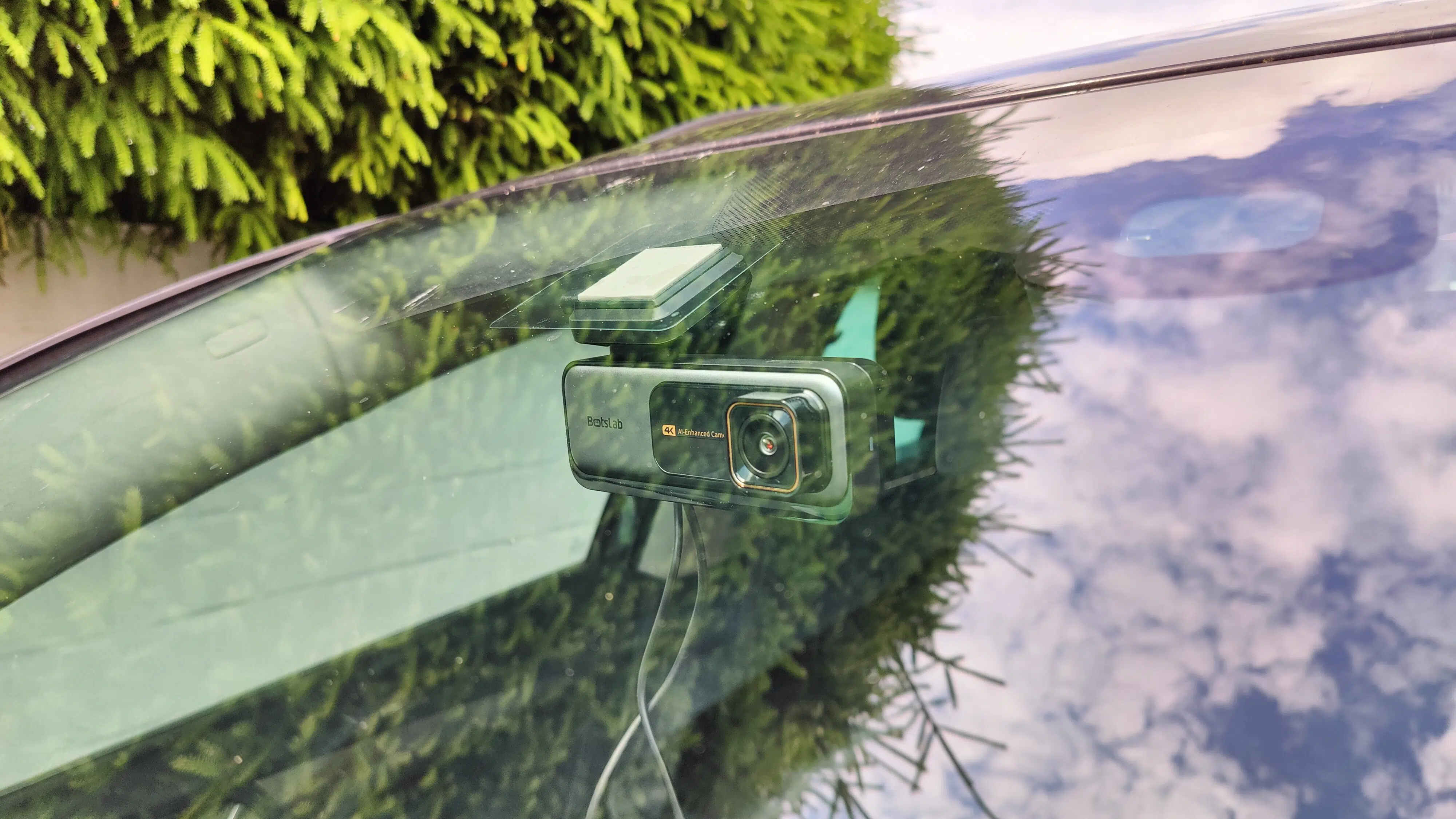
An app connection via the Botslab App (iOS/ Android) is naturally also included. Dual-WiFi (2.4 GHz & 5 GHz) should ensure an optimal connection. This allows for real-time viewing of recordings or accessing saved clips for both the front and rear cameras.
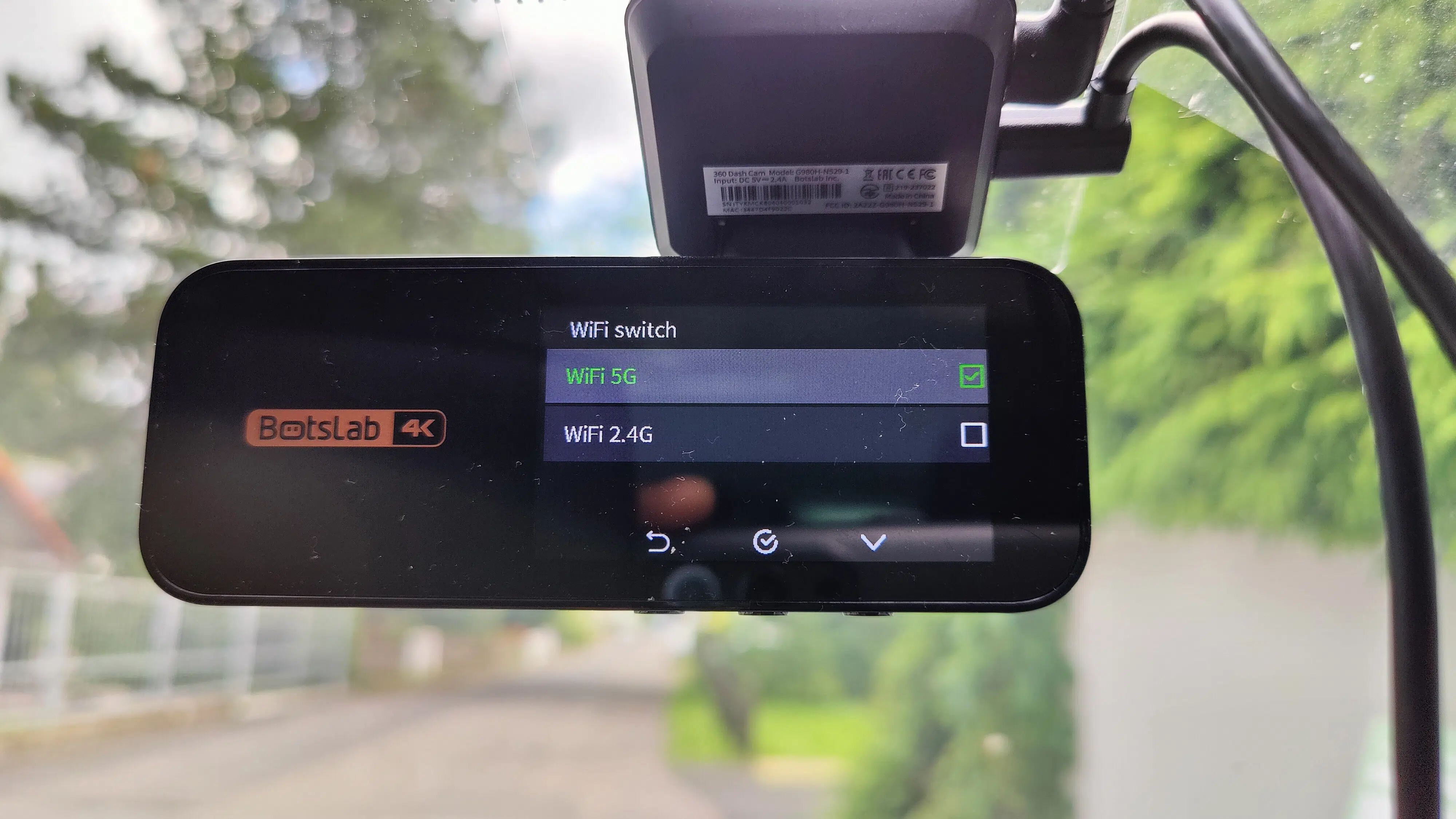
Instead of a battery, a capacitor is installed, which ensures secure saving of recordings even in the event of an abrupt power cut. For the also integrated 24h parking surveillance, an optionally available hardware kit is required for connection to your car's "permanent live" power.
Practical Test: Great Image!
Unboxing & Scope of Delivery: microSD & Tools Included
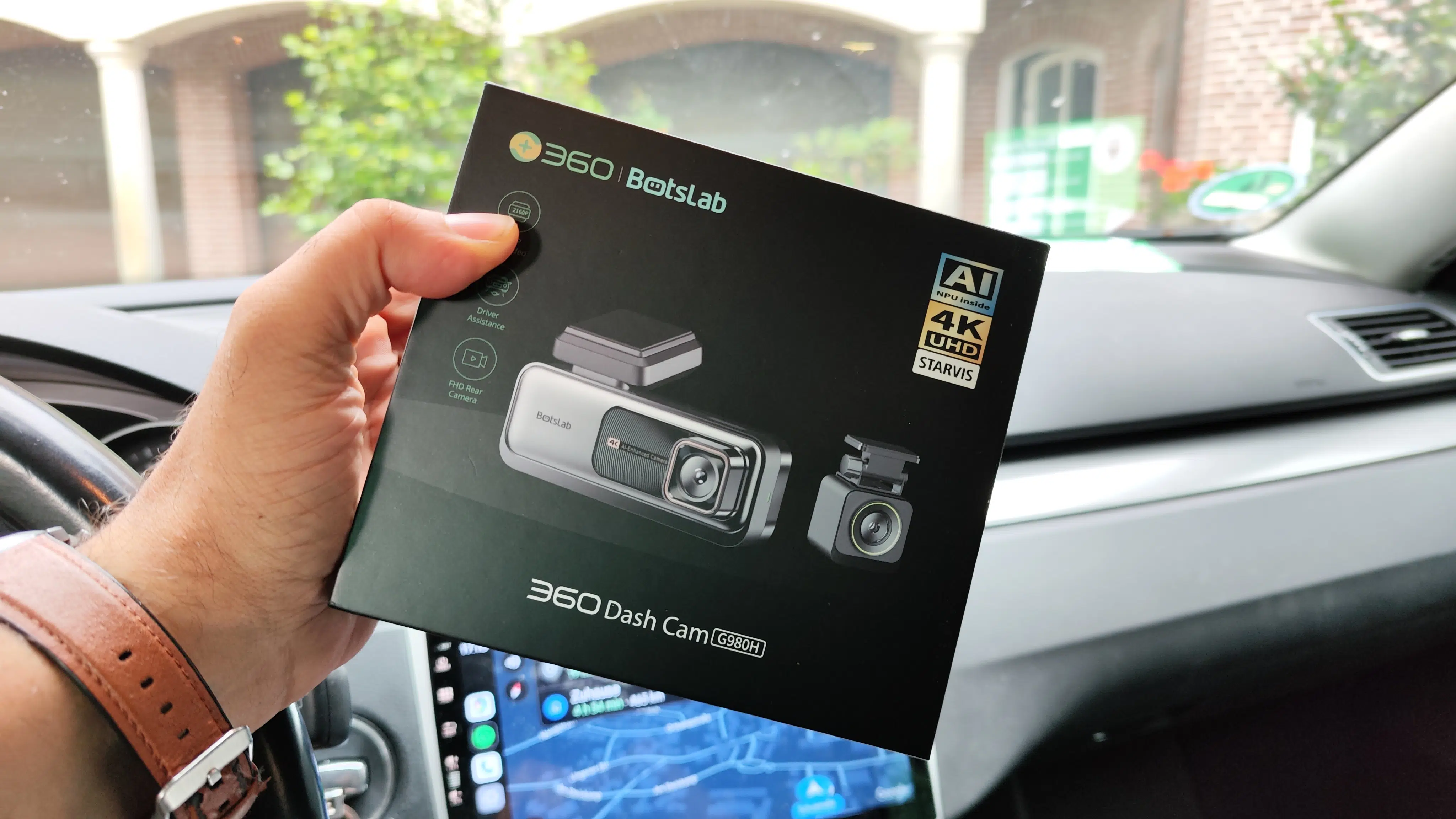
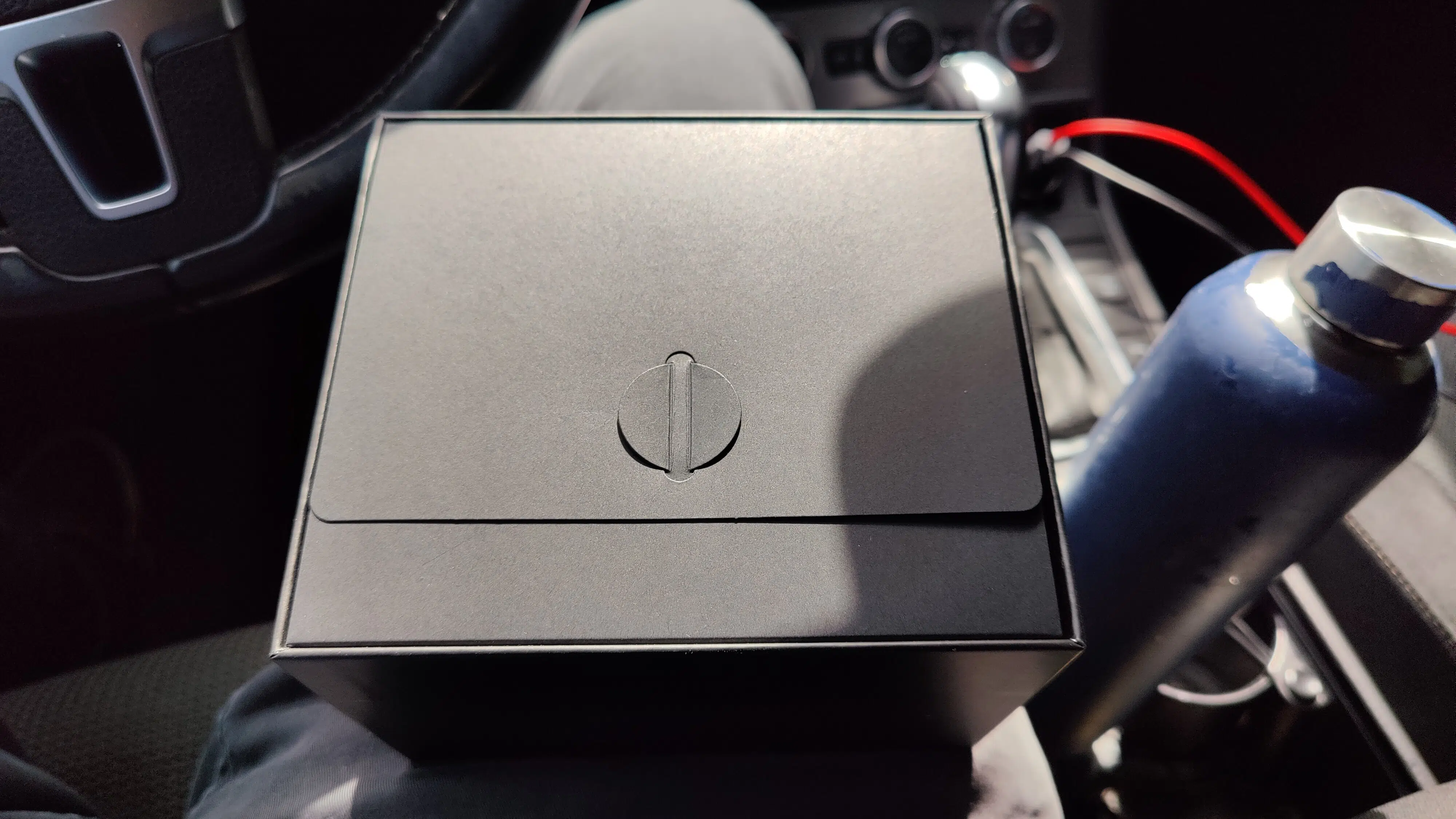
A glance into the Botslab G980H box, much like with high-quality smartphones, already makes it clear from the elegant presentation: something high-quality awaits us here. And indeed: the 4K dashcam immediately makes an excellent impression with its elegant black and grey material mix with small copper-colored accents.
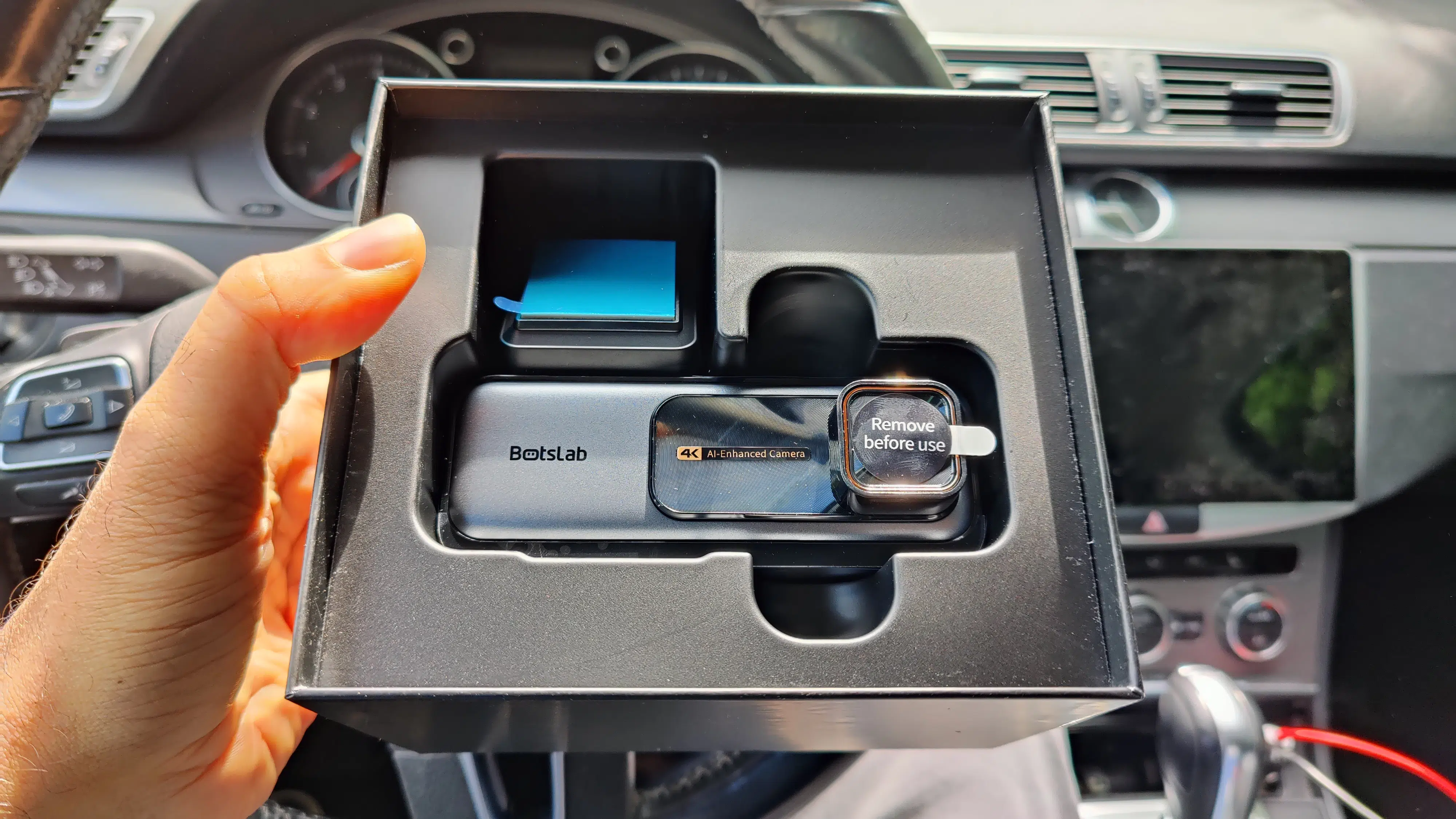
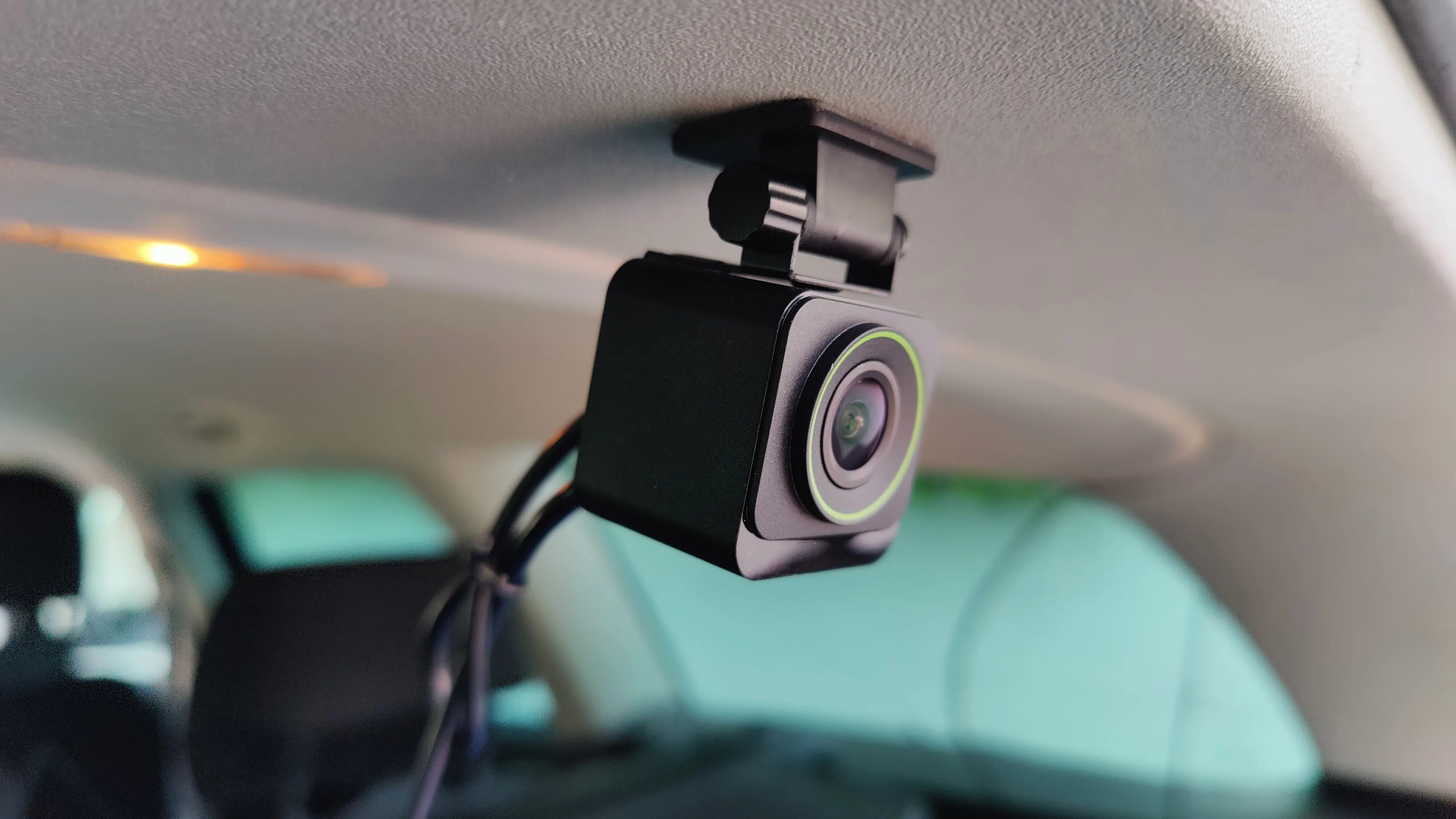
The cube-shaped rear camera, also included in the scope of delivery, doesn't quite match the quality of its "mothership," but it stands out with a stylish green ring around the lens.
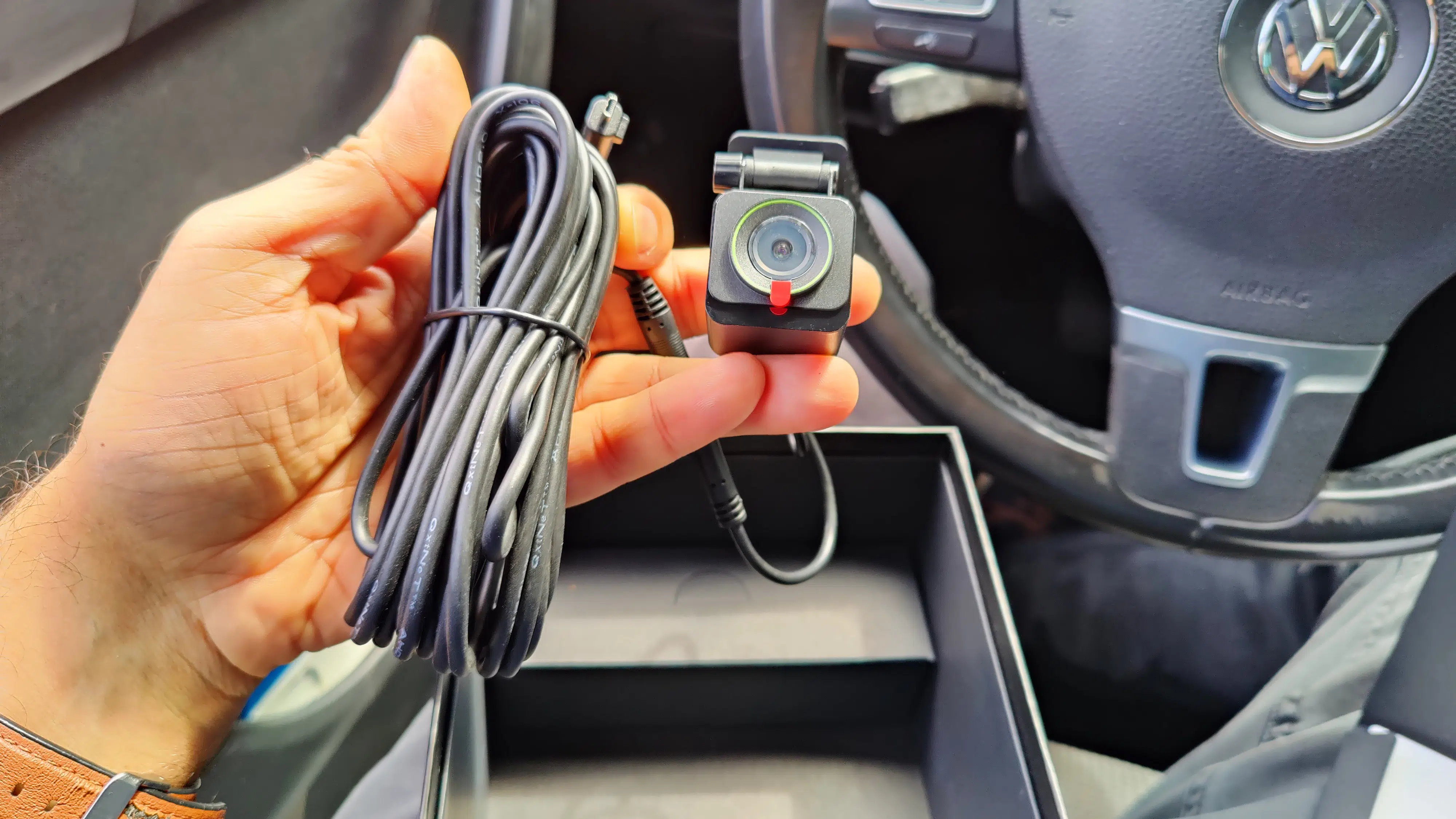
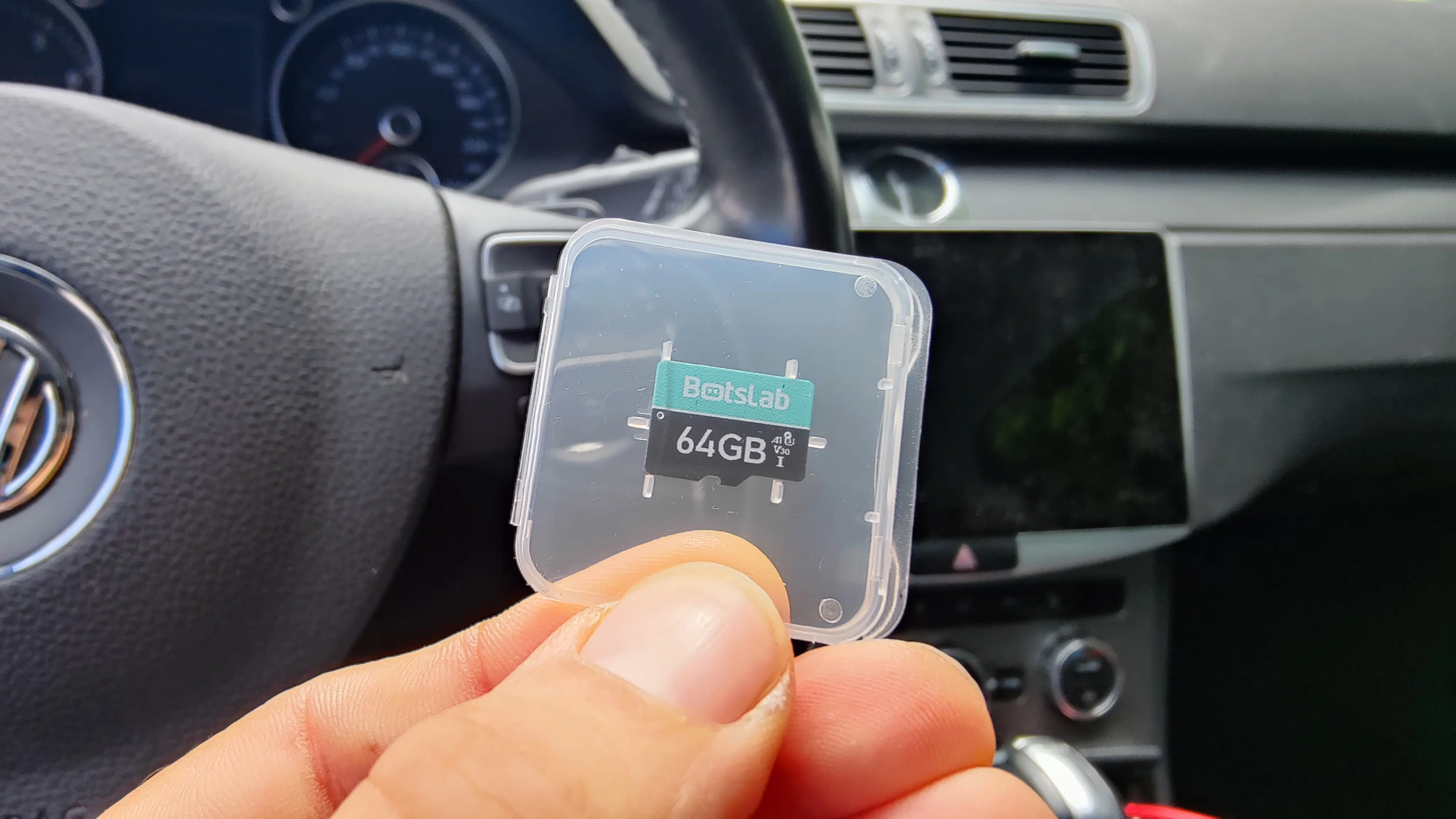
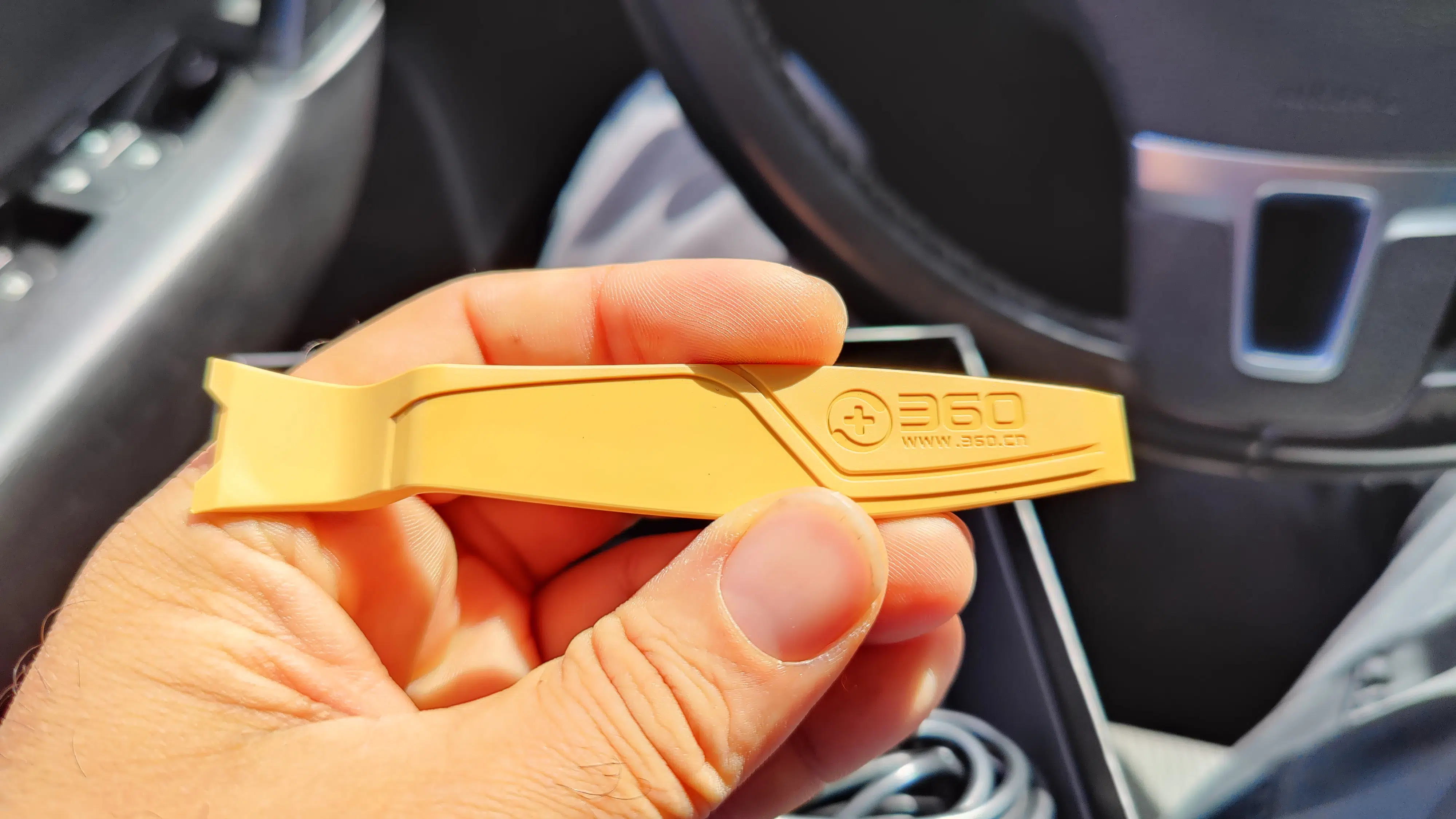
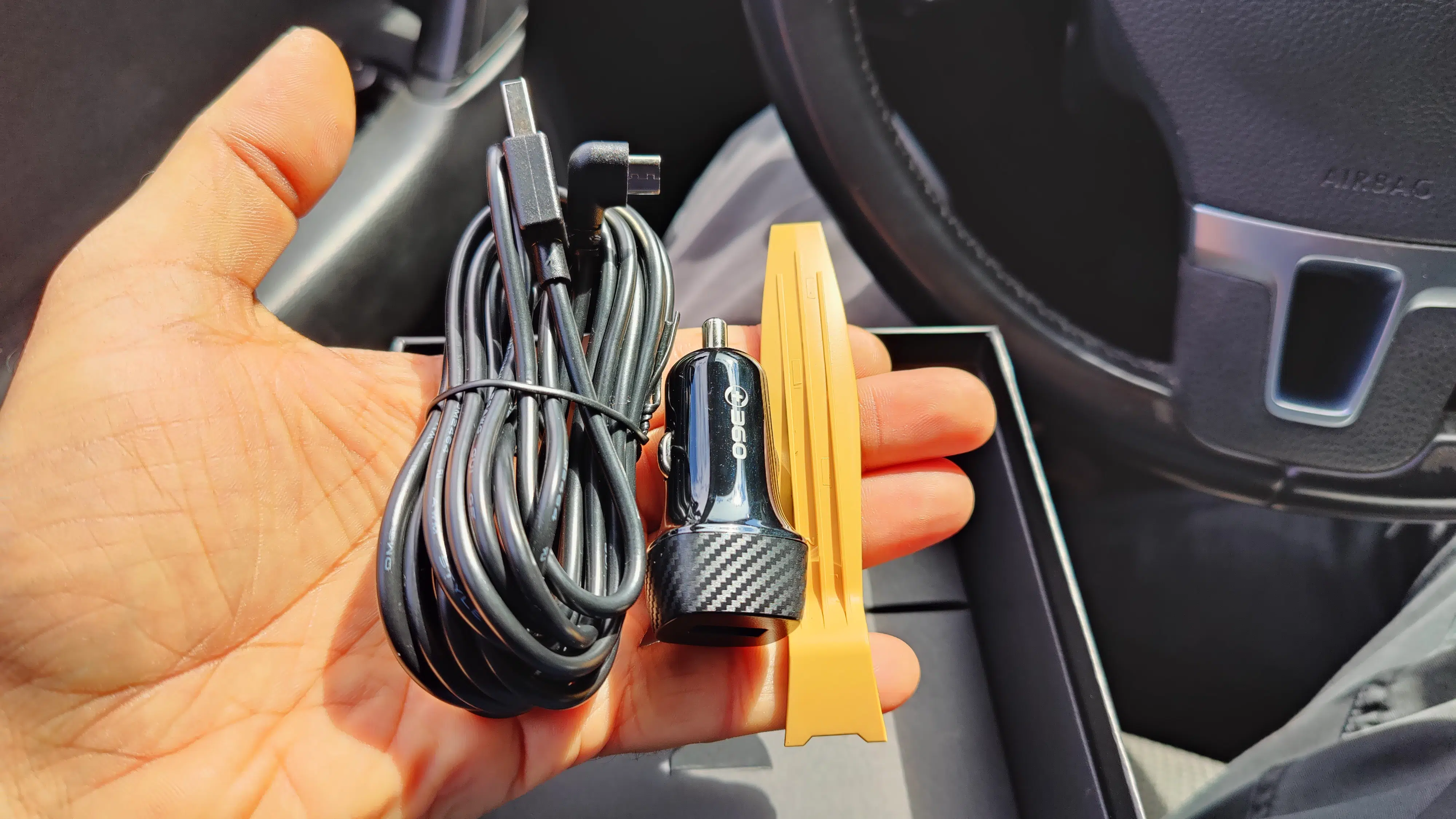
In addition to the dashcam and rear camera, a 64GB microSD card is included in the scope of delivery, as is a tool for installing the cables for the front and rear cameras. Neither of these is a given.
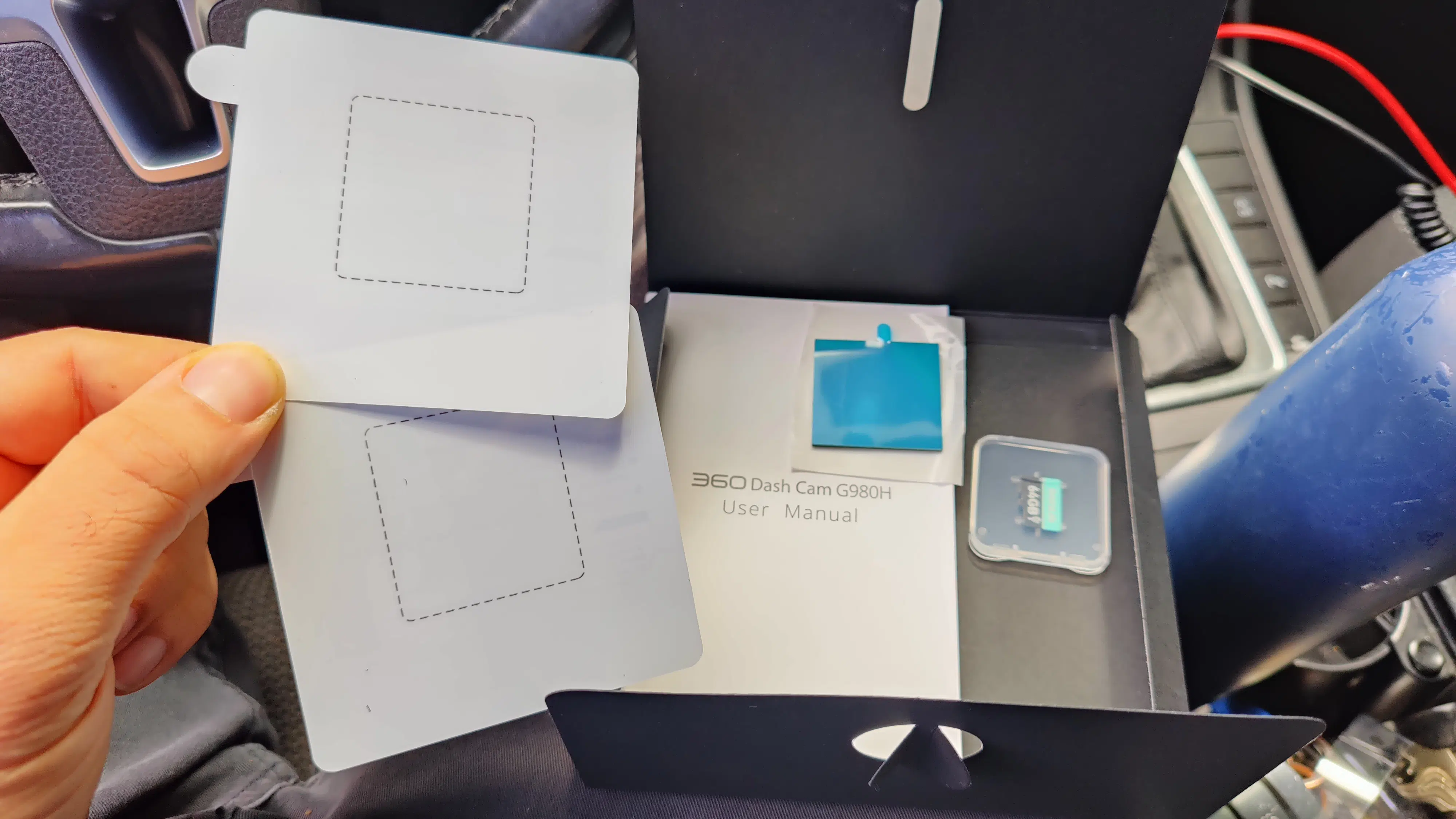
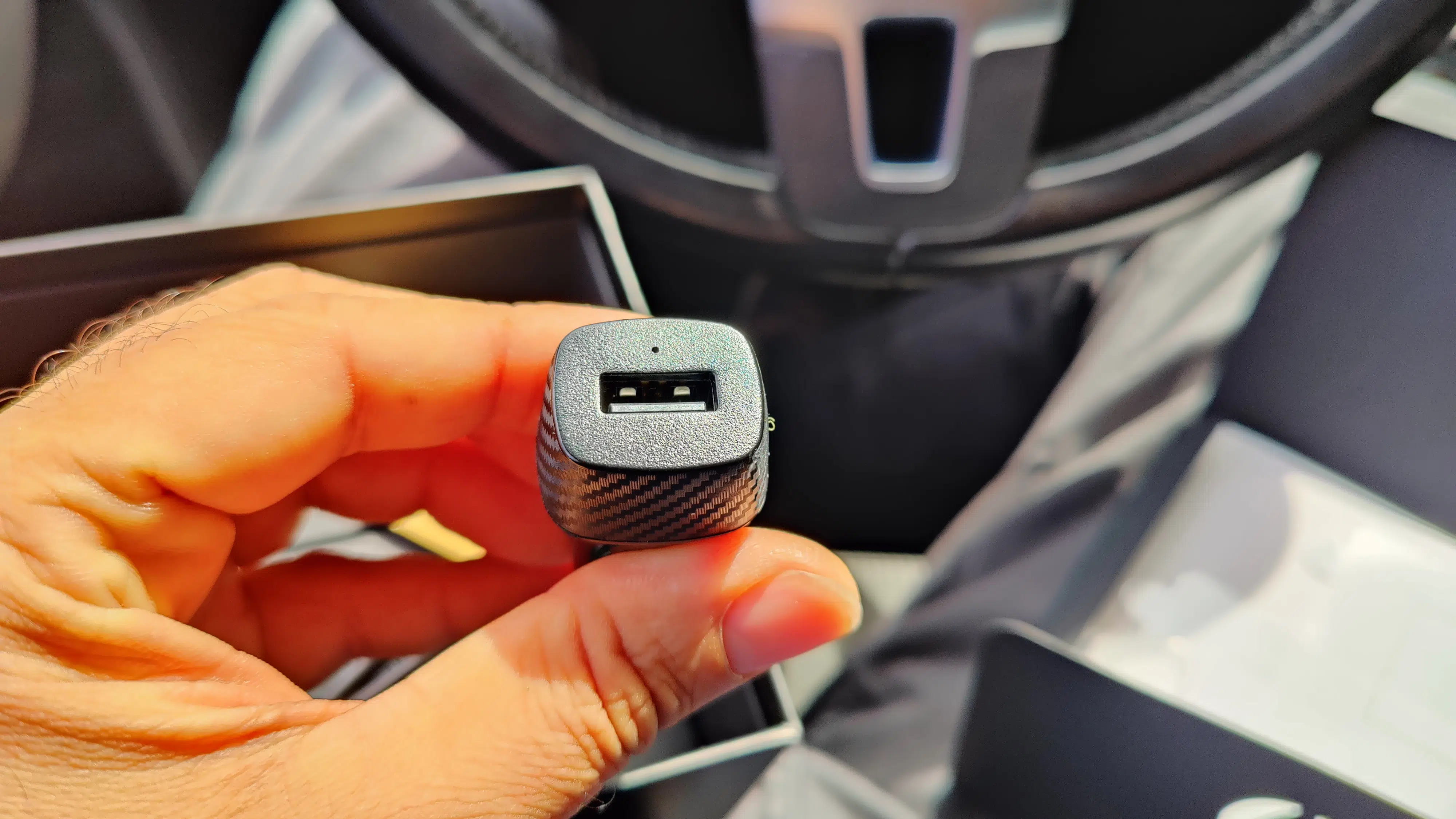
The manufacturer also thought of including adhesive pads and electrostatic film, two of each for a later change of location. Also included: the obligatory instruction manual and a car adapter, which unfortunately only has one USB-A port. I would have liked at least one more USB-C port here.
Installation & Setup: also very easy
The installation is truly child's play: first clean the installation location, then apply the film for easy removal of the dashcam later, then press the windshield mount with the sticker onto it, and you're done. Well, almost done. There's still the wiring from the dashcam to the car adapter and to the rear camera.
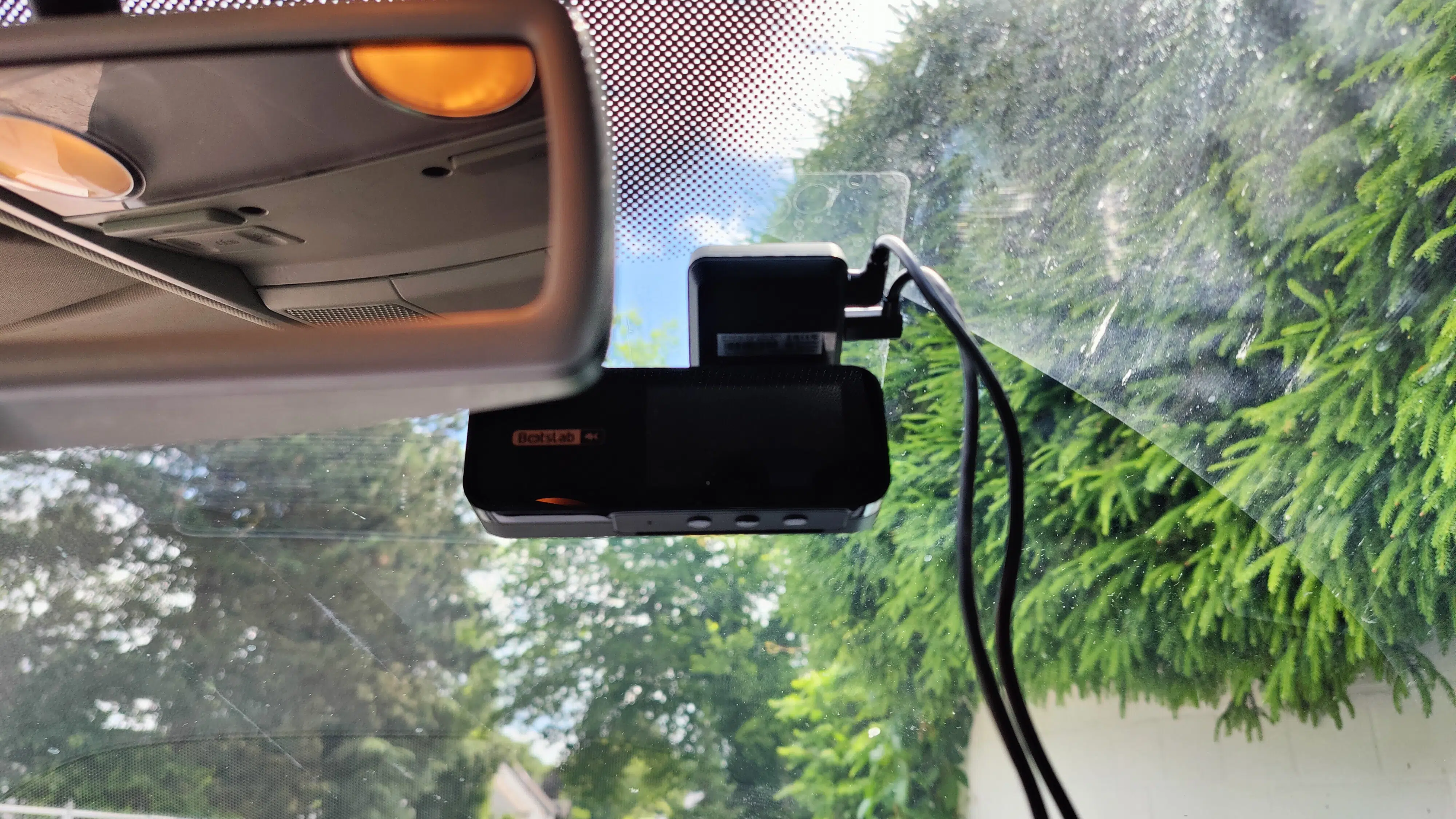
Important to know: The cable for the dashcam itself is 3 m long, and the one for the rear camera is 6 m. The latter is certainly long enough for routing through the headliner, but it might be a bit tight when installing along the passenger side below the kick panel trims.
Since we don't have the optional hardware kit for continuous power supply (and thus can't test parking surveillance), the camera automatically turns on as soon as I switch on the ignition. A short, pleasant jingle sounds, then the microSD card is formatted, and the Botslab G980H 4K Dashcam automatically starts recording.
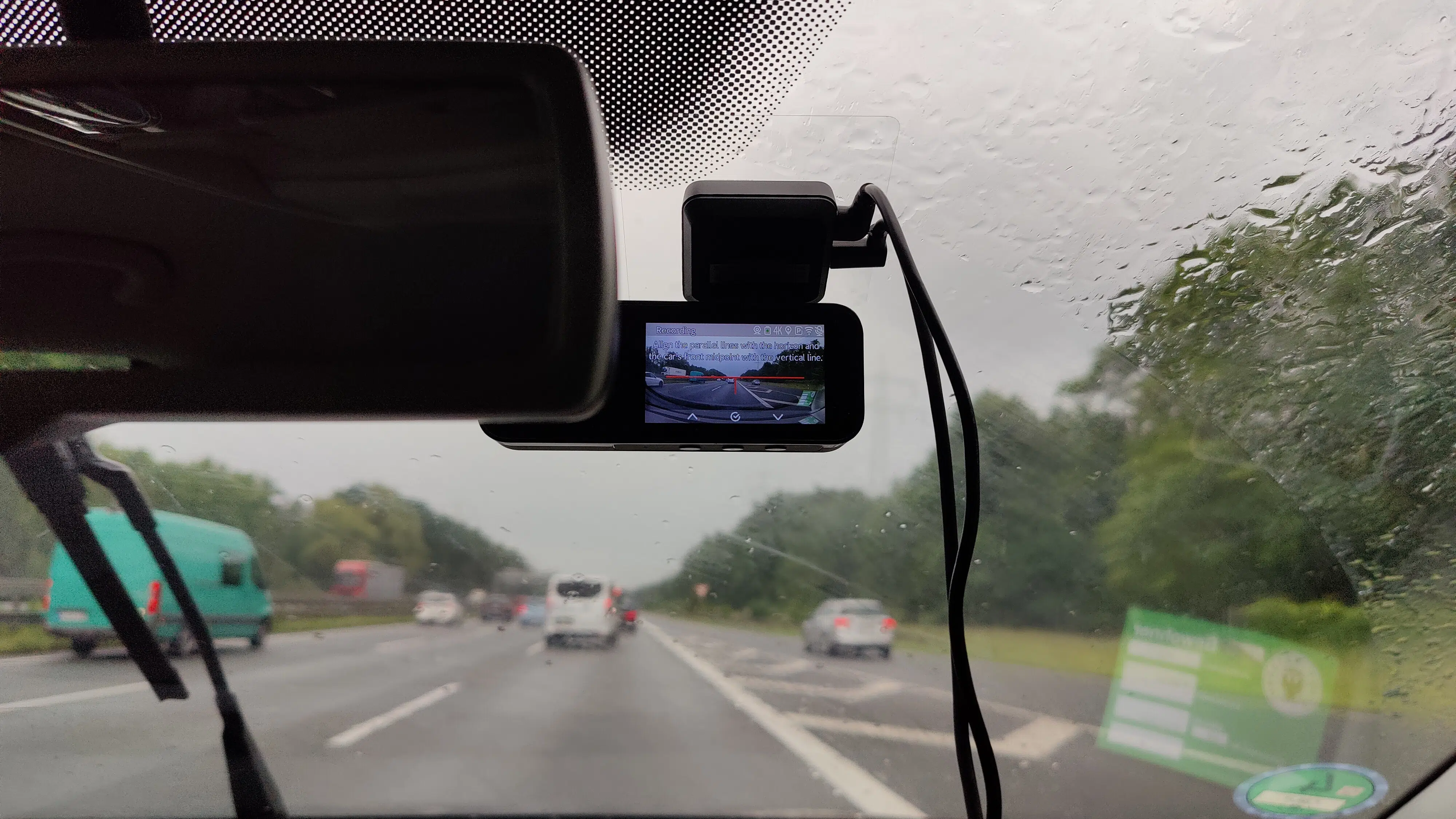
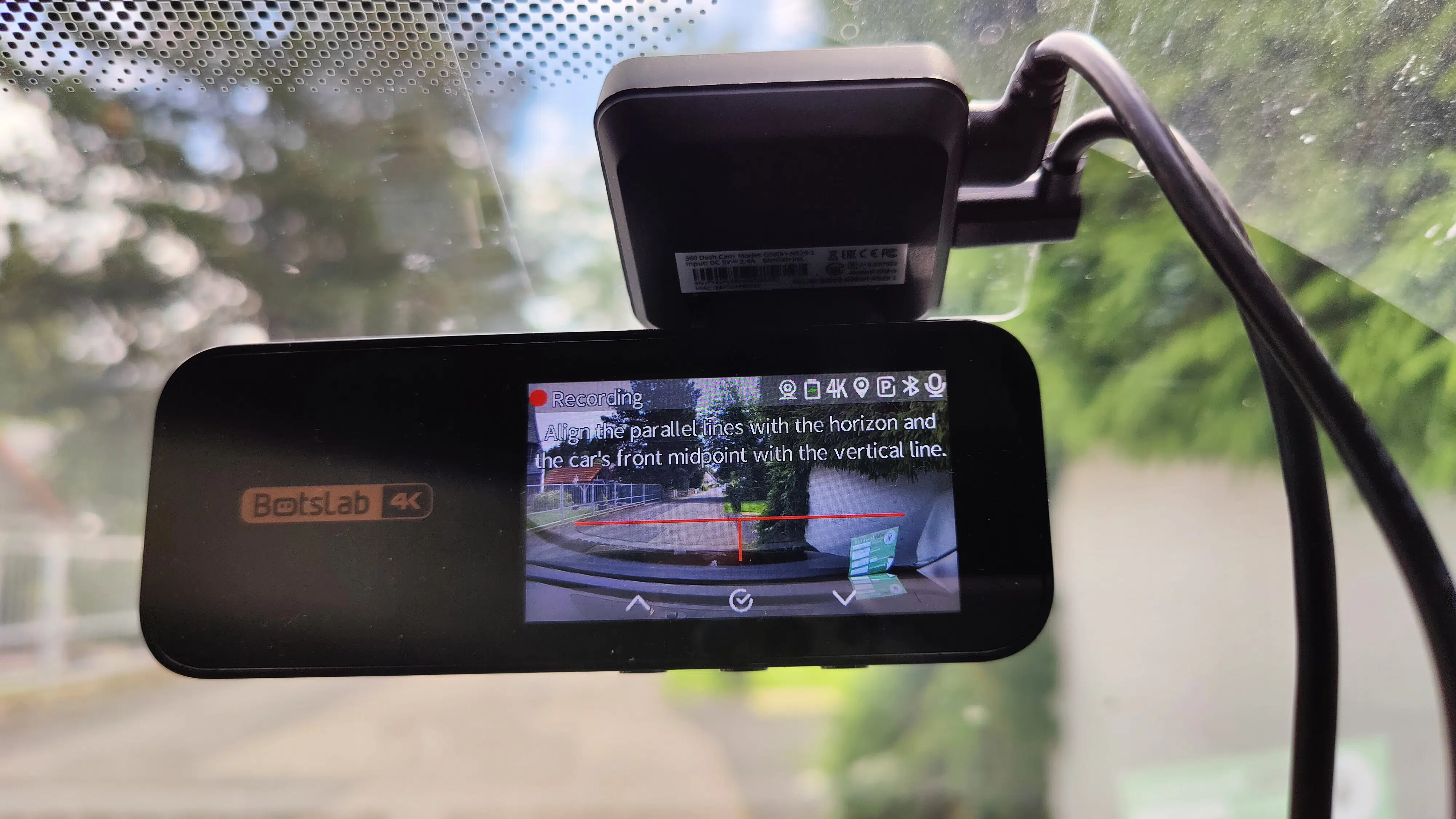
Now, for proper ADAS functionality, I am asked to correctly adjust the road horizon (horizontal red line) and determine the center of the car (vertical red line). Then it's time to play around in the menu a bit.
First Impressions of Use: Could Be More Intuitive
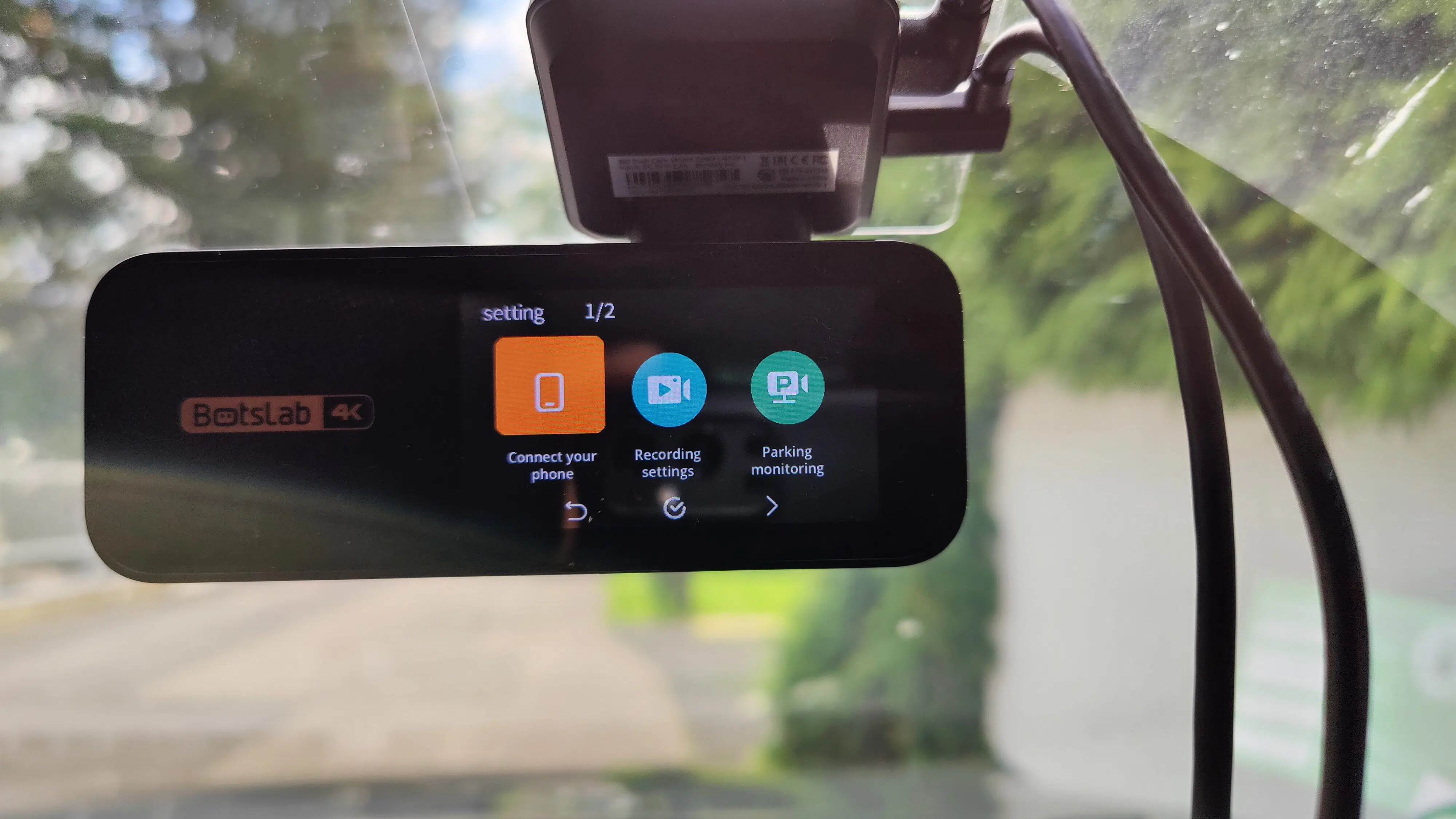
All important settings can be made directly on the Botslab G980H 4K Dashcam. I miss a touchscreen, as the menu navigation on the 2.45-inch LC display is exclusively done via the three buttons at the bottom. Since these are not labeled, I have to rely on the icons on the display, which also change depending on the menu. This means the button assignment also changes. So, a little practice is needed for the less intuitive menu navigation.
Speaking of menu navigation, it's divided depending on the button pressed into "Settings", which includes phone connection, recording, and parking surveillance settings, among others, on one hand.
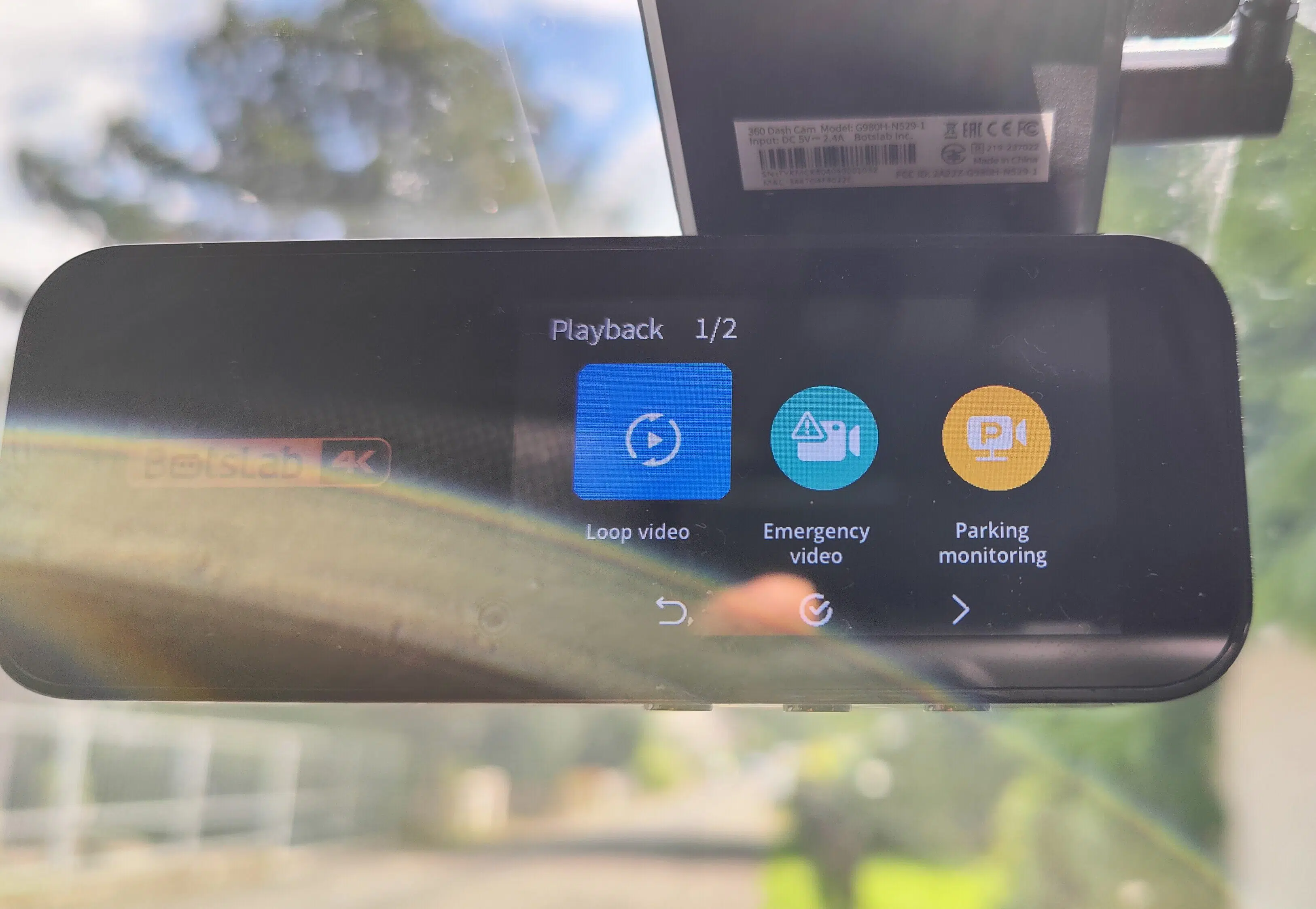
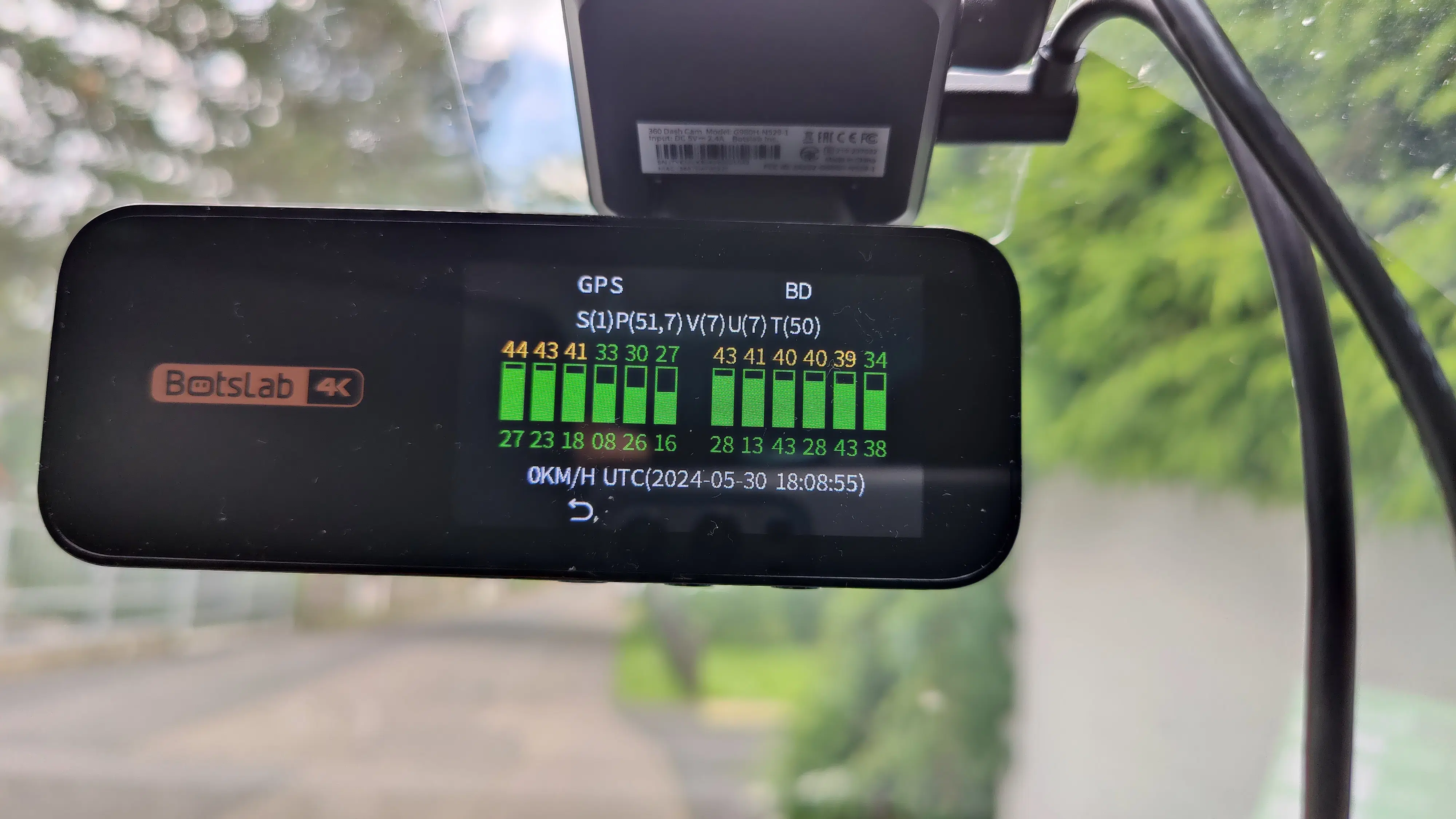
On the other hand, the menu also allows for the actual viewing of recordings, be it normal loop recording, emergency video, or parking surveillance. Further details such as switching between 2.4 GHz and 5 GHz or GPS reception can also be adjusted.
App Impressions
Pairing with the Botslab app, first via Bluetooth and then via WiFi, required several attempts for me. This was due to the wireless Android Auto connection of my smartphone to my Android car radio.
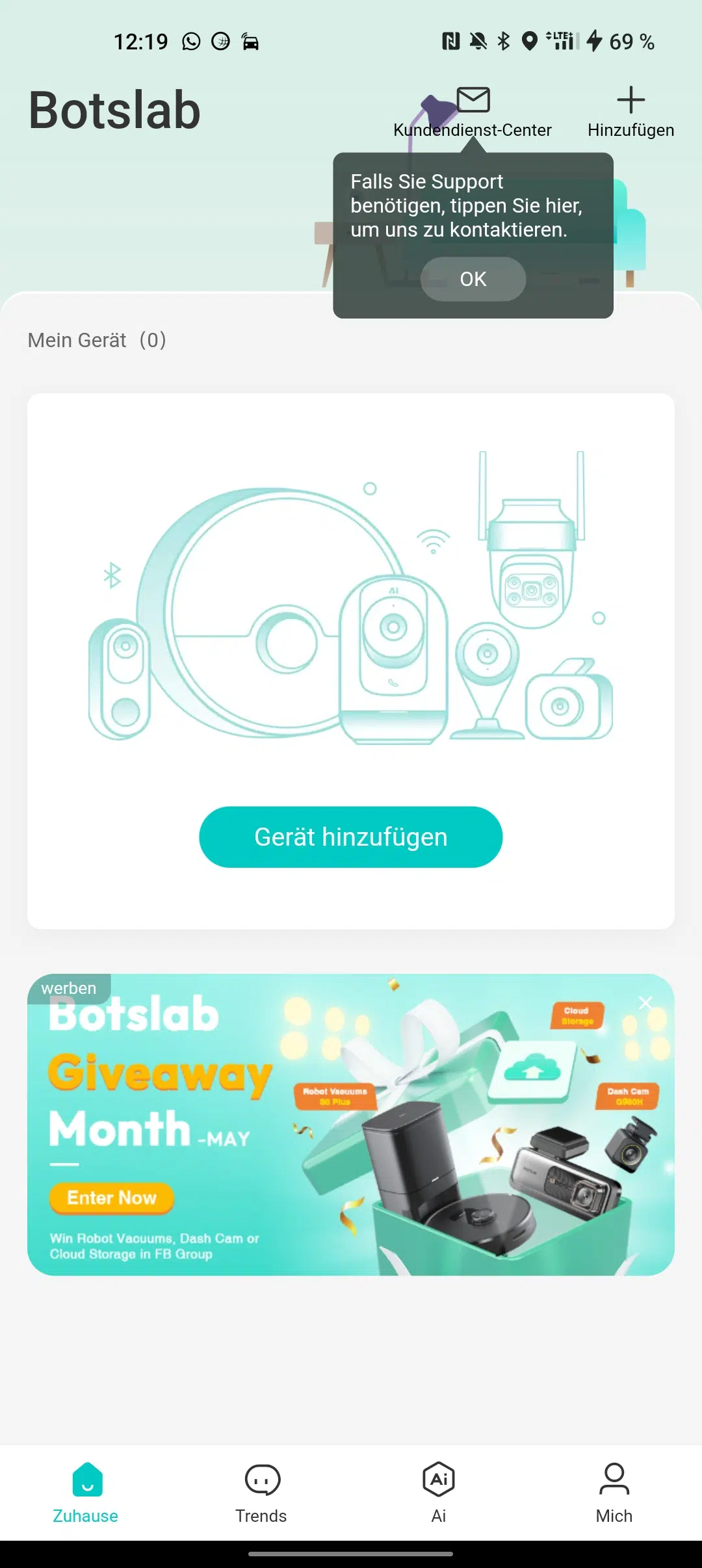
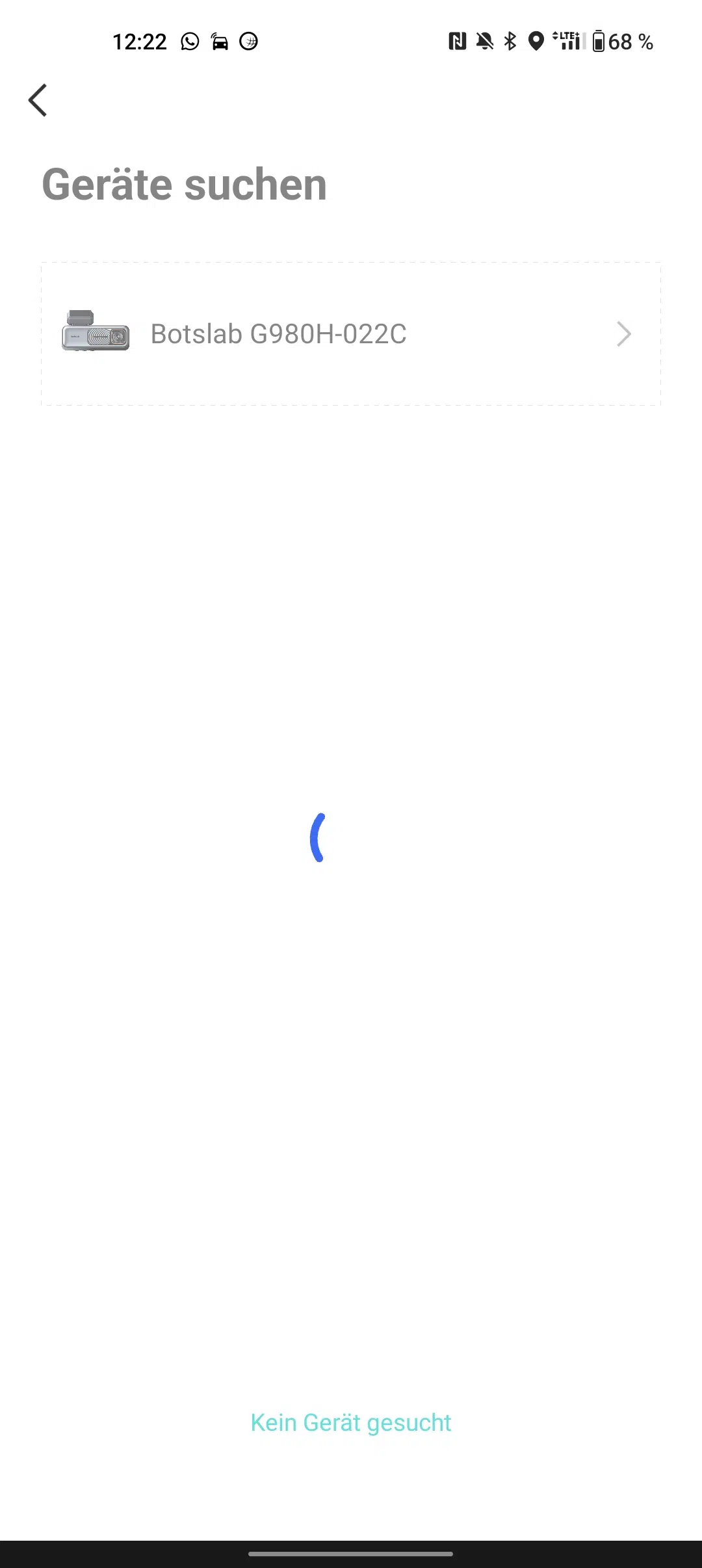
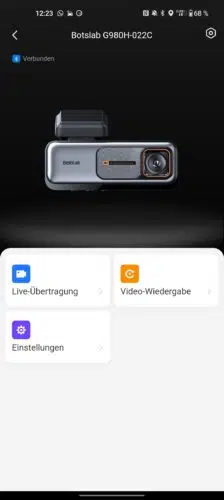
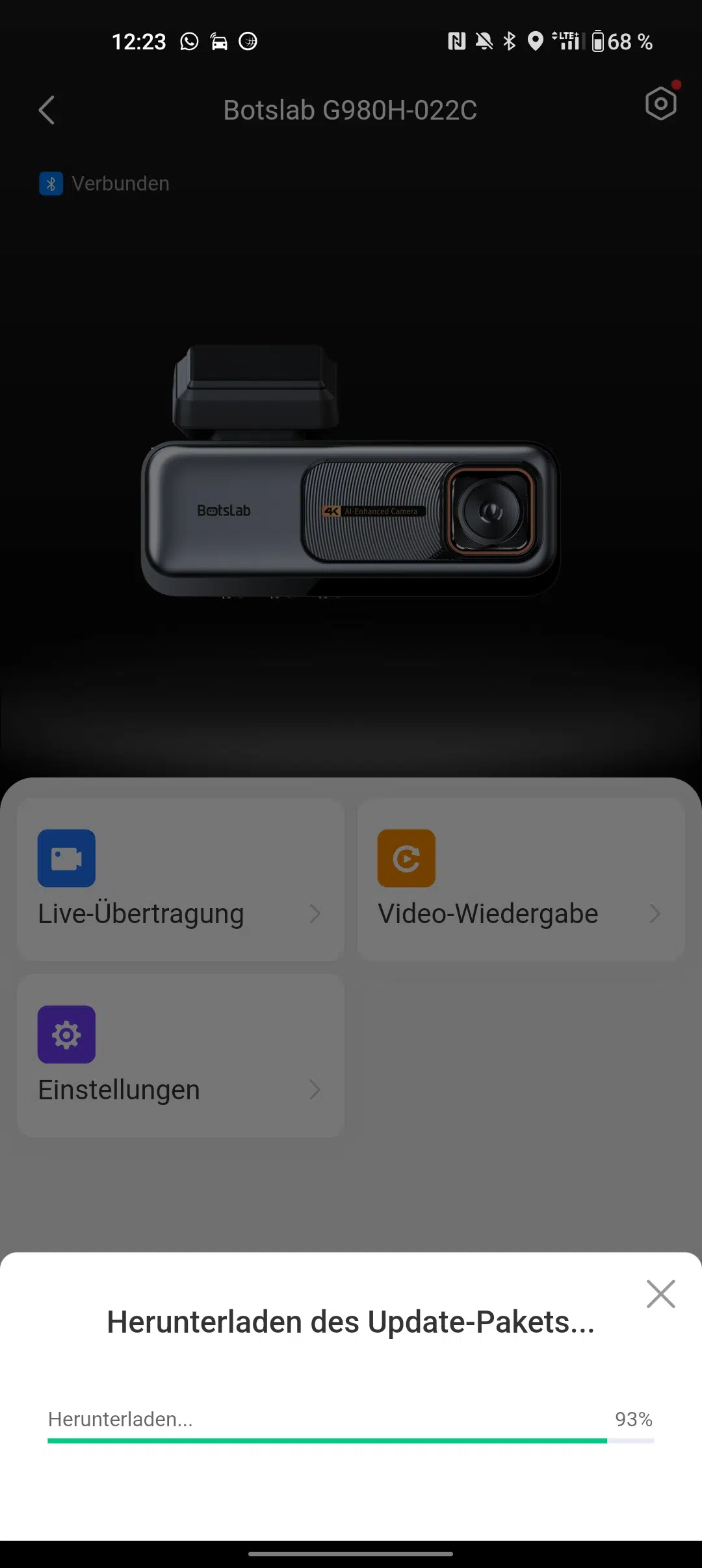
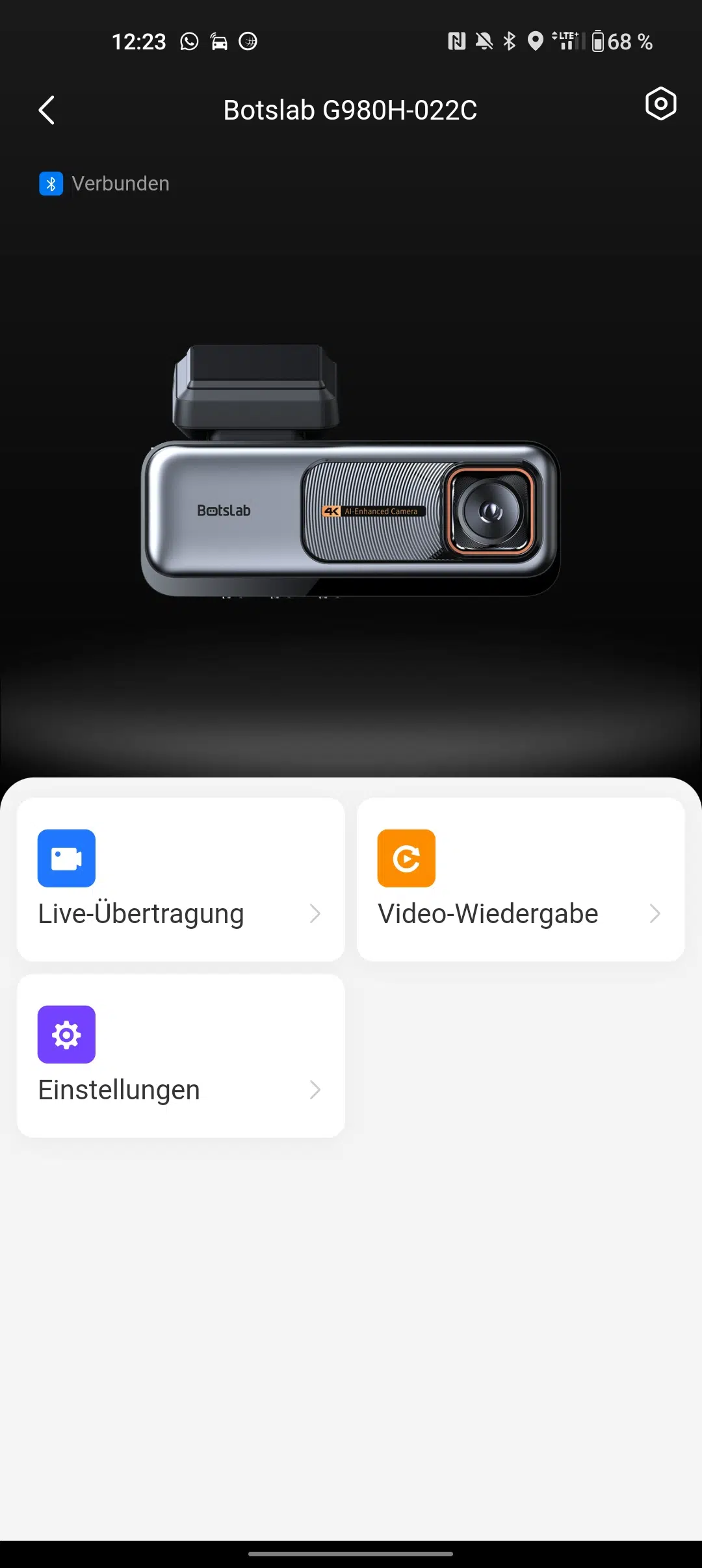
Even after that, it took several attempts for a (sometimes unstable) WiFi connection (even in 5GHz operation) to be established. But then there were several firmware updates and 3 additional update packs, which also added the German language to the Botslab G980H 4K Dashcam. I find the app with the points "Live Stream", "Video Playback", and "Settings" much simpler and more intuitively designed.
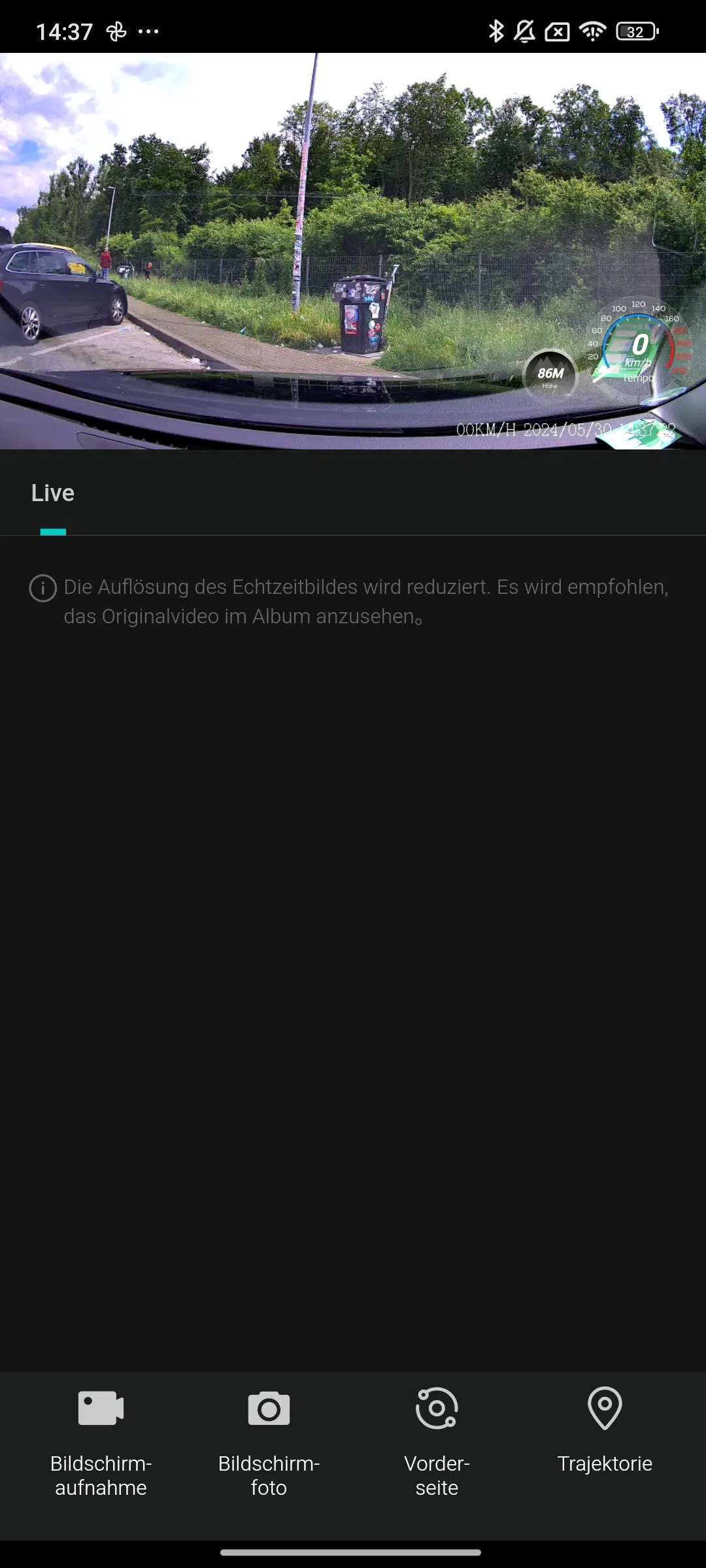
In the Live Stream, I can also choose to display speed and altitude above sea level. For all voice control enthusiasts, Botslab not only offers support for Alexa or Google Assistant, but also several other services and IFTTT support.
Daytime Recording
Let's make this short: The 4K image provides fluid, razor-sharp footage that is among the best I've seen from a dash cam so far. At most, the HDR and WDR performance could be better, as the sky often appears clearly oversaturated. But that shouldn't be the focus of a dash cam. Every traffic sign, every license plate – everything is visible without problems. Even in heavy rain, the 4K dash cam is still usable.The rear cam with its FHD resolution also does a good job through the darkly tinted rear window, even if license plates are naturally harder to recognize here. In heavier rain, however, it slowly reaches its limits. By the way: A microphone for recording audio in the vehicle interior is also present, but can (fortunately) be deactivated.
Night recording
At night, I can only show you the "worst" recordings cut short to avoid privacy issues. But even here, the Botslab G980H 4K Dashcam delivers solid results, at least in brightly lit cities at night, even if the rear cam once again falls short in terms of quality due to its lower resolution and tinted rear window. Artifacts or pixelation are certainly the exception here at night. For reading license plates even at night, however, you should opt for the Sony STARVIS 2 instead of the STARVIS 1 installed here.
Event-based Emergency Clips
If the G-Sensor detects excessive vibration, a 60-second emergency clip is automatically recorded. The problem during initial setup, however, is that while the sensitivity is set to "medium," it is clearly too sensitive for Germany's increasingly dilapidated highways. Accordingly, the camera triggers often (see video). It is therefore advisable to reduce the sensitivity by one level. After the last update, however, I no longer had this problem, at least within urban areas.
ADAS Functions
For me, the ADAS functions are a mix of good and bad. Let's start with the bad: the fatigue detection is essentially a "you've been driving for two hours, take a break" reminder. This works fine, but it's a somewhat misleadingly described feature. The lane departure warning doesn't always work, especially not when changing from the left to the right lane. The same applies to the distance warning, which doesn't always trigger.
Where the Botslab G980H 4K Dashcam truly shines is its pedestrian and cyclist detection. This works reliably and, thankfully, only when passers-by (on bicycles) are in immediate proximity to the car, and not when they are on the sidewalk – very well done, Botslab!
What I also really like is the automatic announcement as soon as, for example, the vehicle directly in front starts moving at a traffic light. Because we all know it: you briefly look out the side window or at the radio, but don't see that the car in front has already started moving and get honked at for it. That will definitely no longer happen with the Botslab G980H 4K Dashcam. Only the German translation "Vorderes Auto starten" (Front car start) still has a lot of room for improvement.
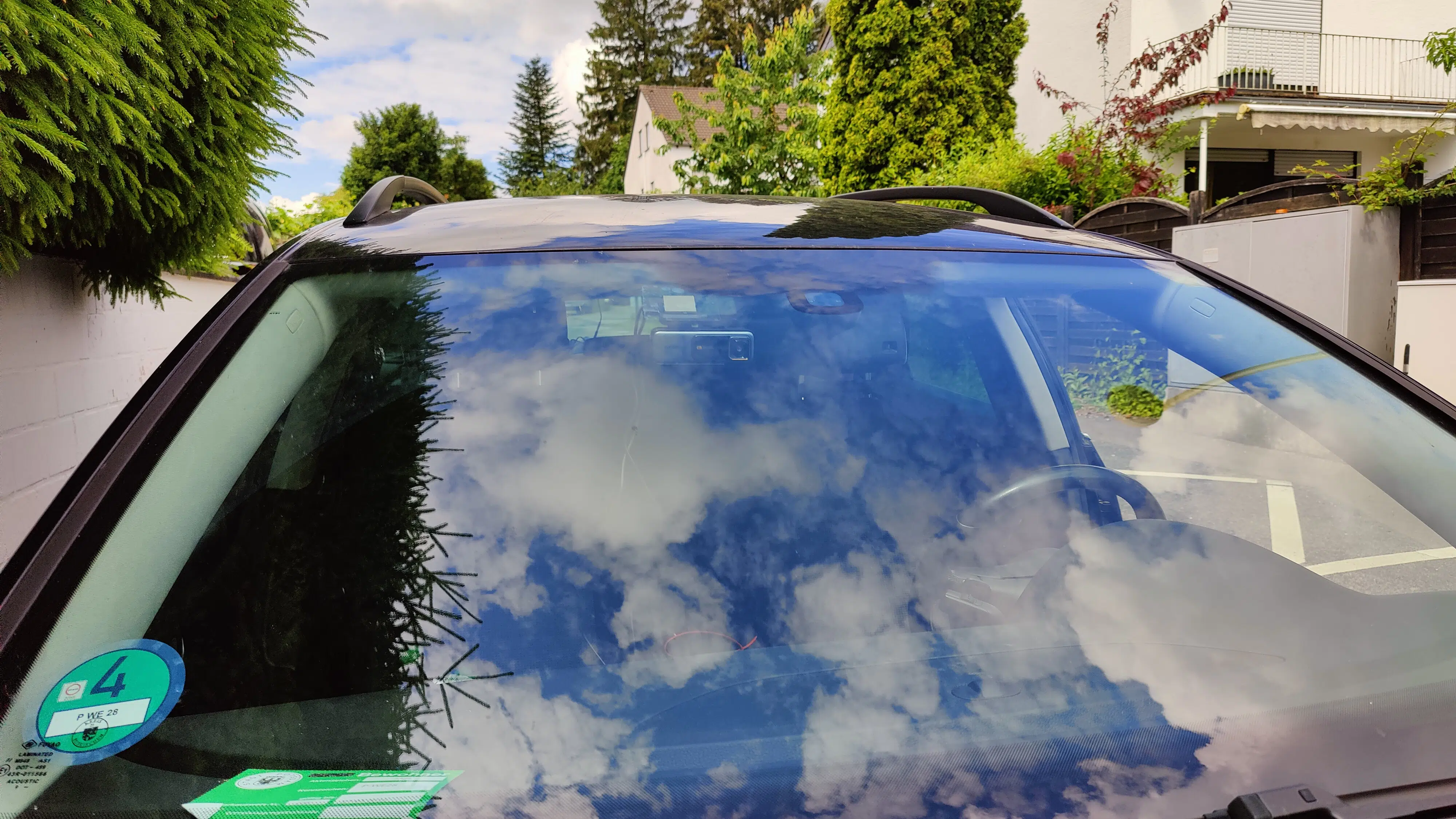
Parking Mode thanks to Hardware Kit
Why parking surveillance?
I don't know about you, but after a dent in my front license plate and various scratches on the bodywork, I had been wanting to test a parking surveillance system for my car for a long time. With almost all dash cams, this is not possible without an additional cable ("hardware kit"), as they usually do not have a battery. So, if I remove the key from the ignition, the dash cam turns off and consequently does not record if the car is touched, for example, when another car is parking.
Hardware Kit Installation
That's why we need a permanent connection to the car battery, meaning constant 12V – even when the car is stationary and the engine is off. Colloquially, we refer to this as "constant positive", as opposed to "ignition positive", which is 12V that is only supplied when the key is inserted or the ignition is on.
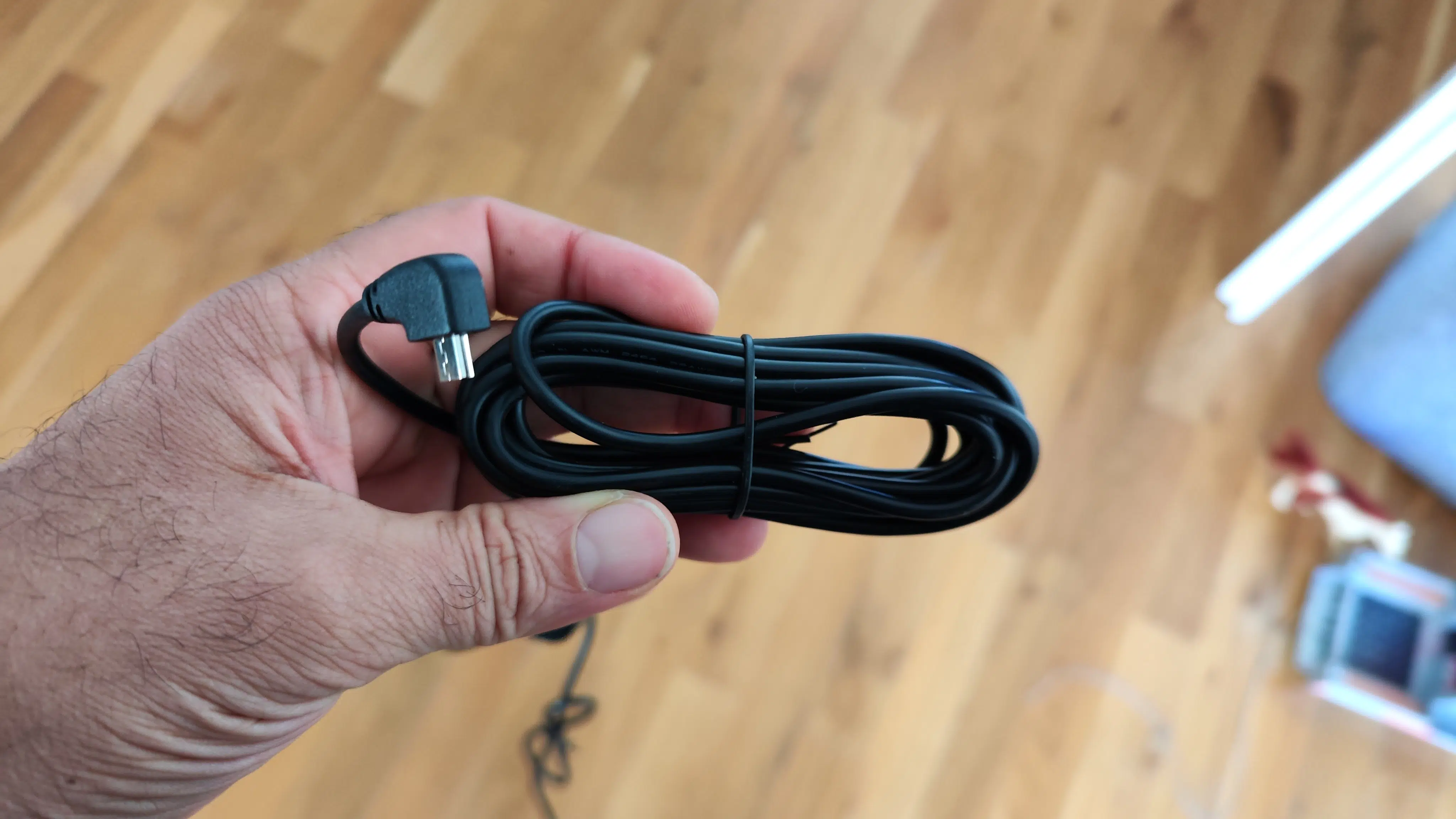
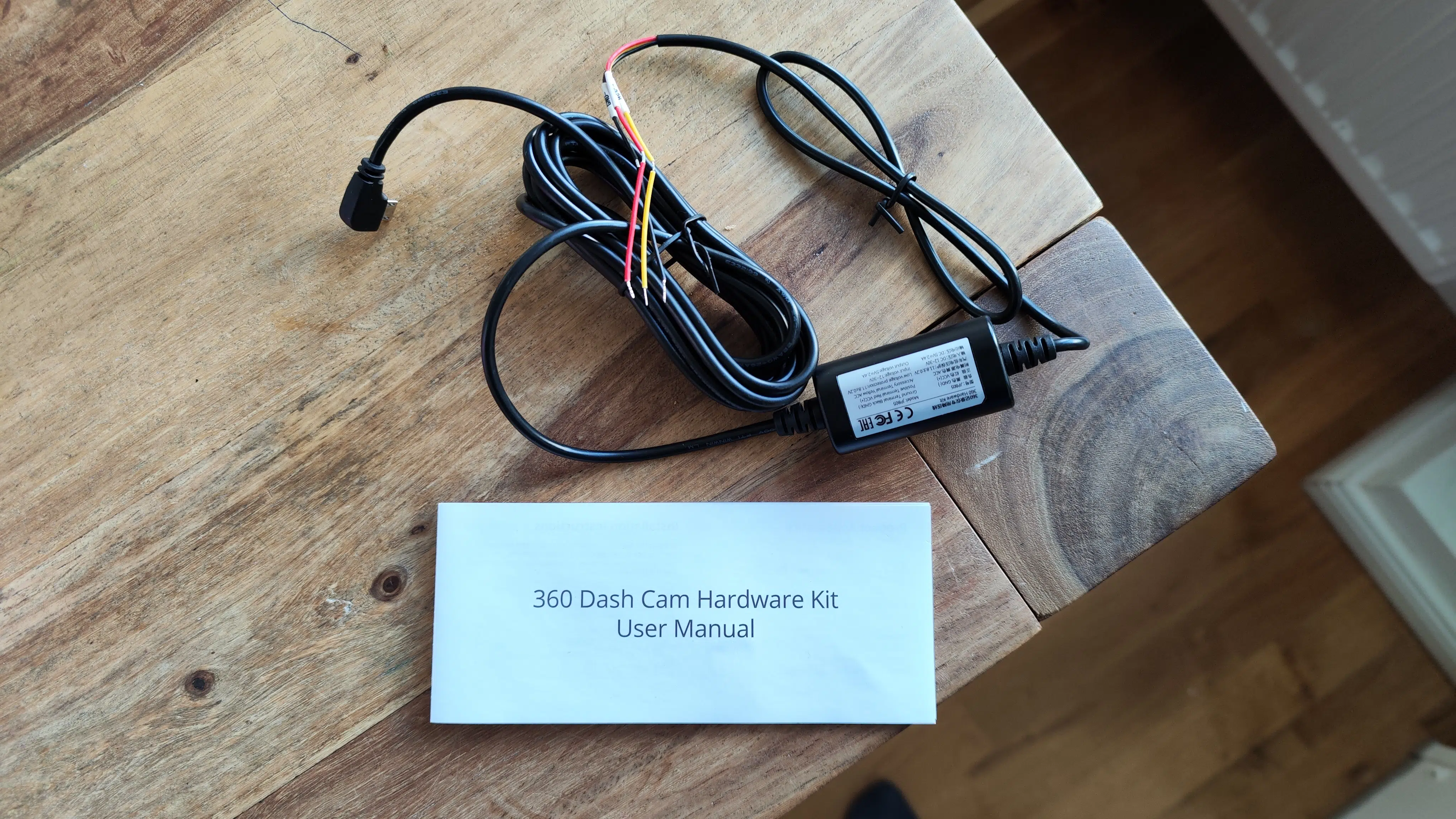
In other words: If your vehicle doesn't come with constant 12V from the factory via its 12V car socket ("cigarette lighter"), you'll need a hardware kit: One end of this additional cable connects to the dash cam as usual, while the other end of the kit has 3 cable ends: constant positive (red), ignition positive (yellow), and ground (black).
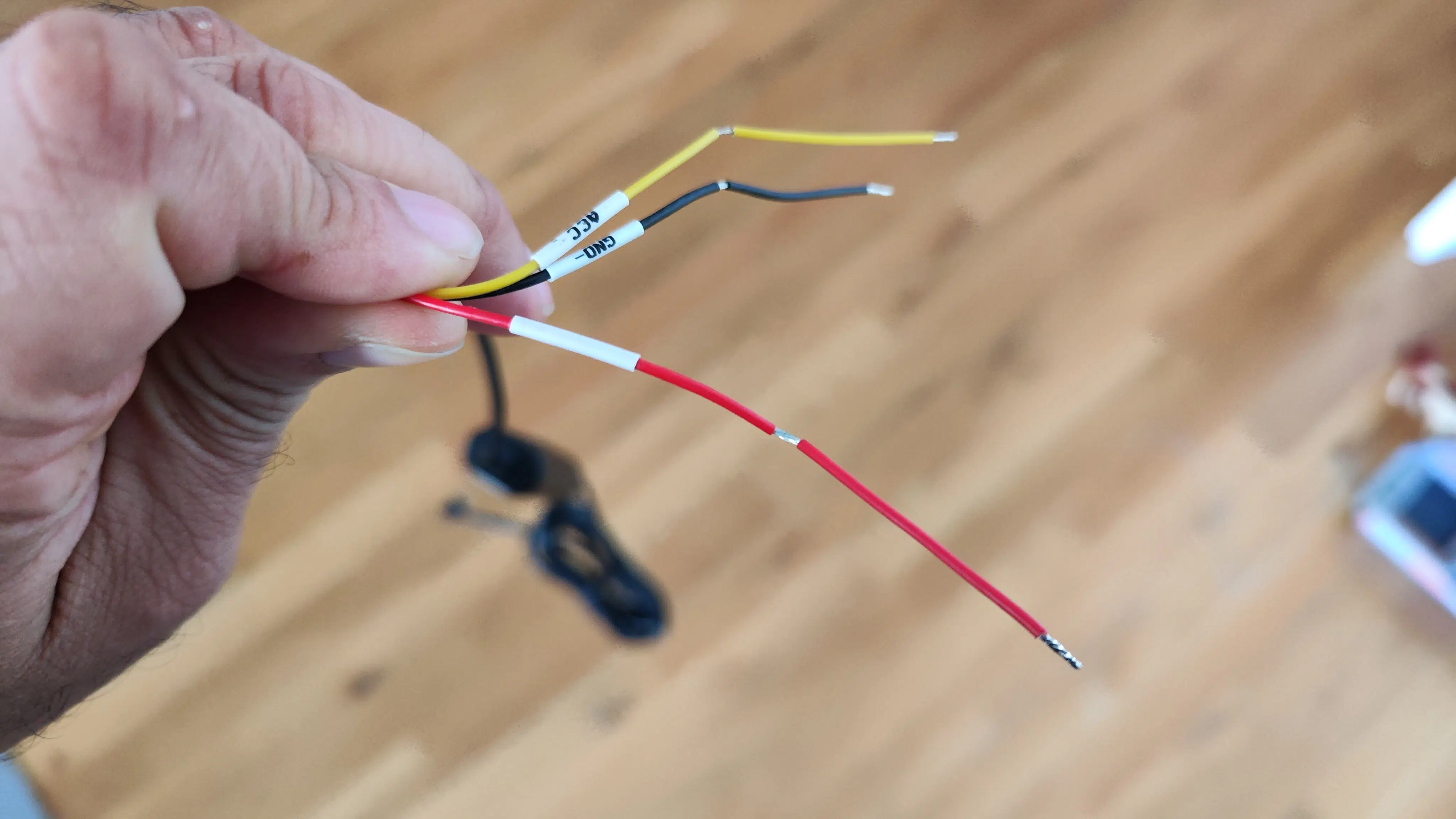
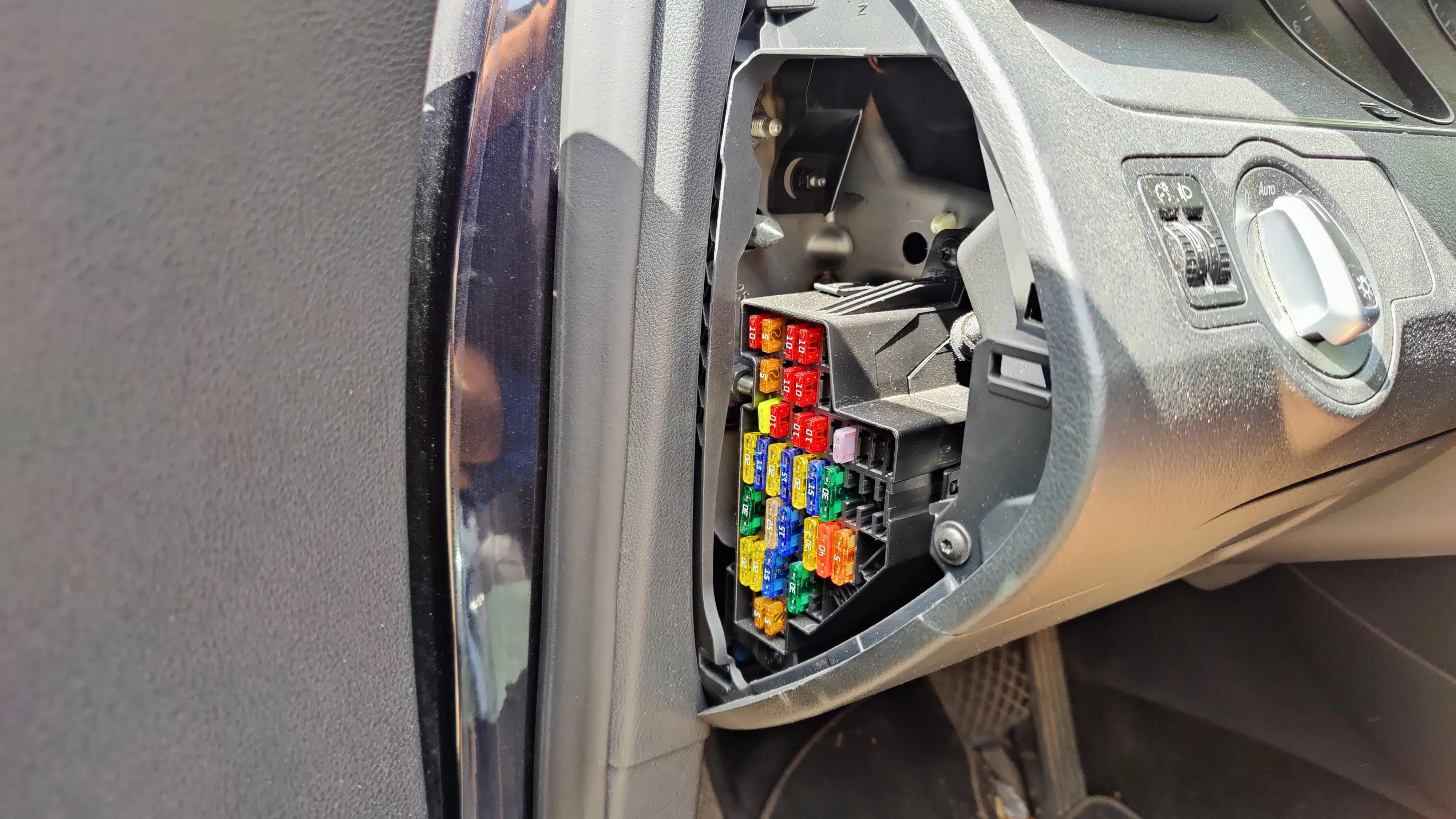
For installation, you need to connect to your car's power supply. At this point, if in doubt, you should consult a professional. Usually, permanent live and ignition live are tapped from a fuse in the fuse box on the left side of the dashboard (driver's side). The ground cable can be attached to the car body, for example.
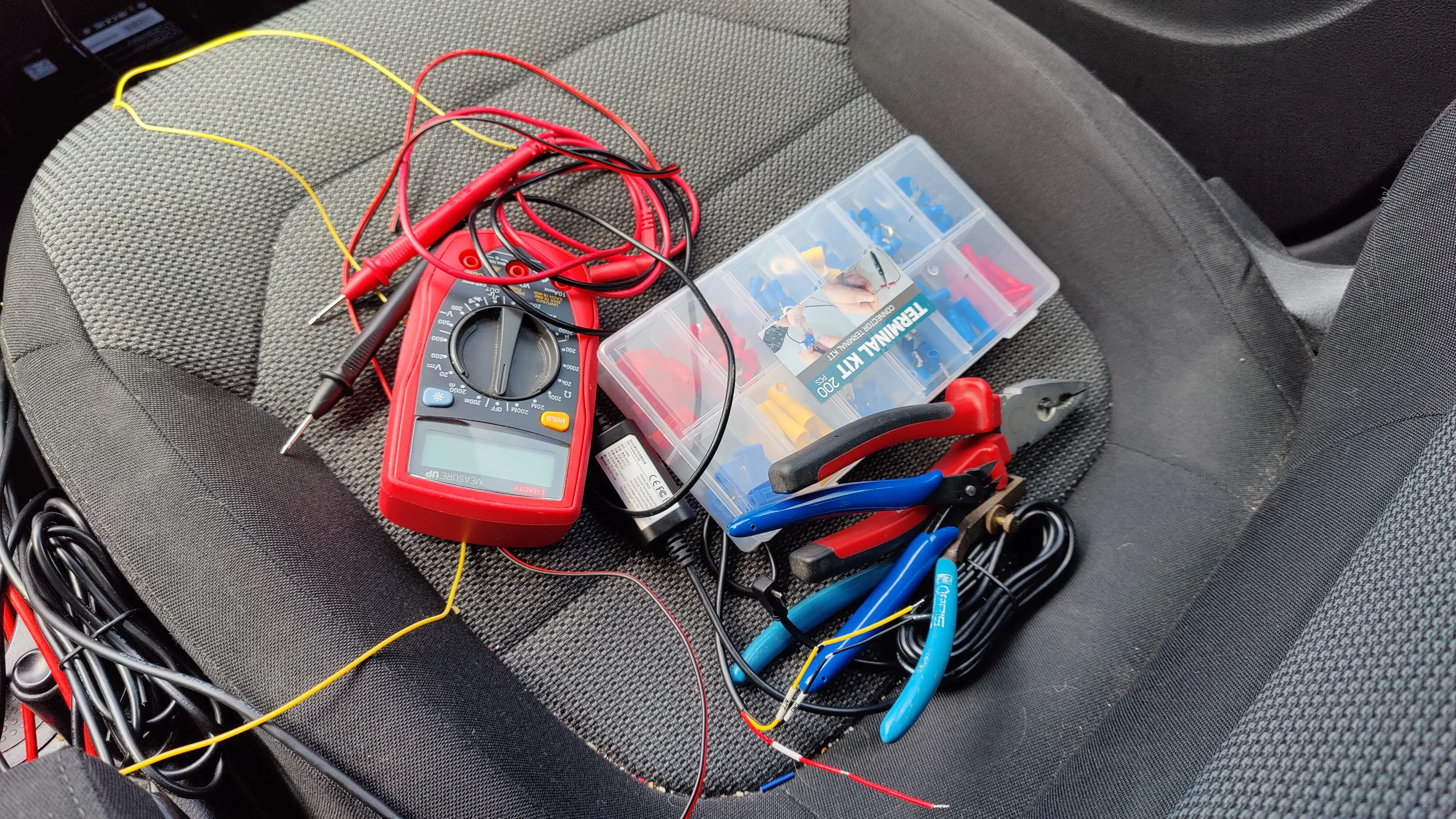
In my case, I'm taking a different approach because I want a setup that will allow me to test other dashcams with parking surveillance in the future. That's why I'm drawing power from my car radio's Quadlock connector, running the cables into the glove compartment, and connecting them to other hardware kits using Wago through-connectors whenever needed.
Parking Mode: Real-world experience
The connection is straightforward. However, after successful installation, I would have liked some feedback when activating the parking mode in the dashcam, indicating that the camera was now supplied with continuous power if necessary. I can choose whether to activate a 16 or 24-hour time-lapse mode, but I switch this function off to save power.
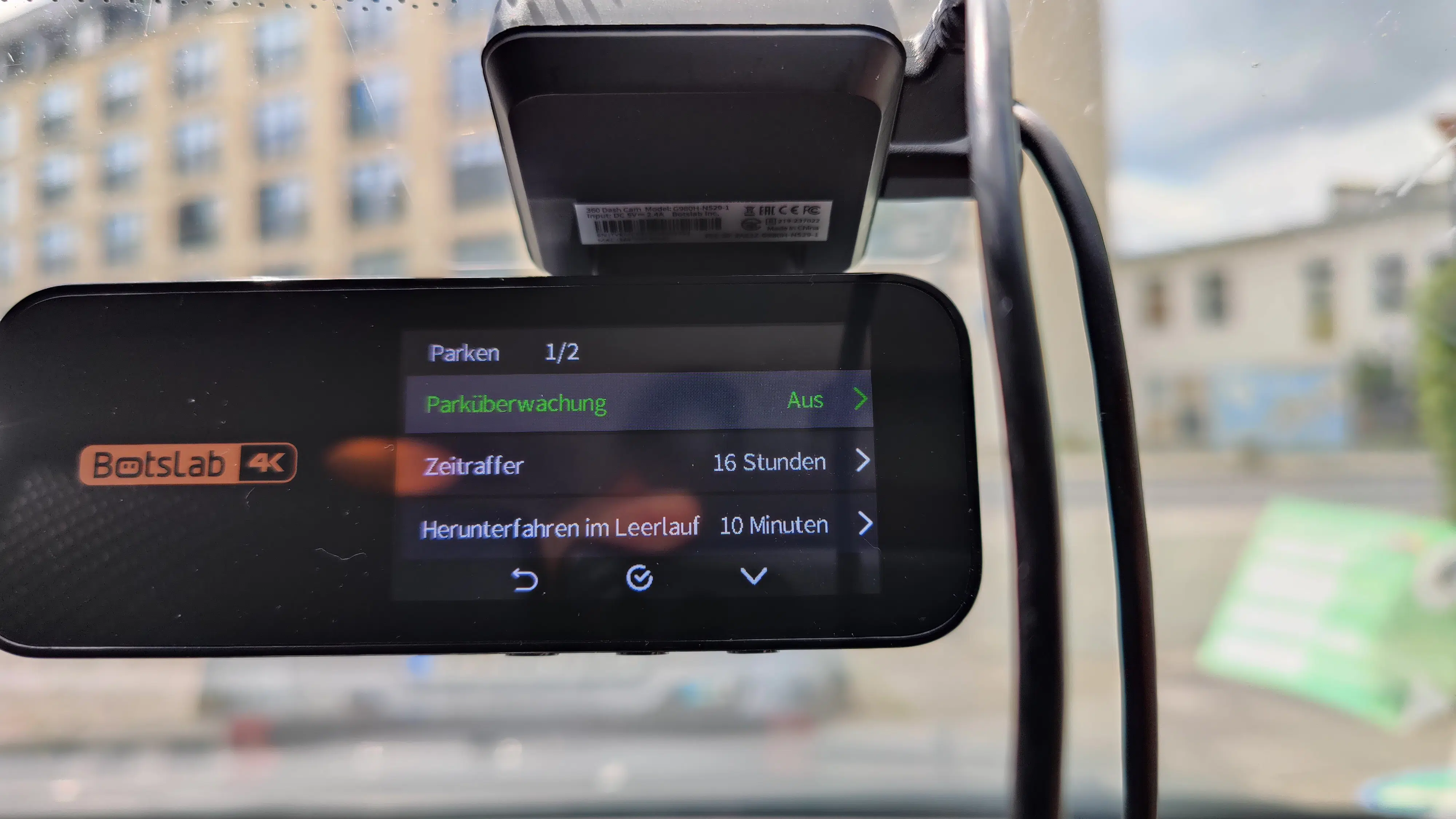
When I pull the key from the ignition, the dashcam first tells me that the power supply has been disconnected, before a message appears that parking mode is now active. Then it switches off and can no longer be operated - even though I had set a 10-minute delay in the menu for testing. The manufacturer should make the individual menu items for parking mode easier to understand and improve them with updates.
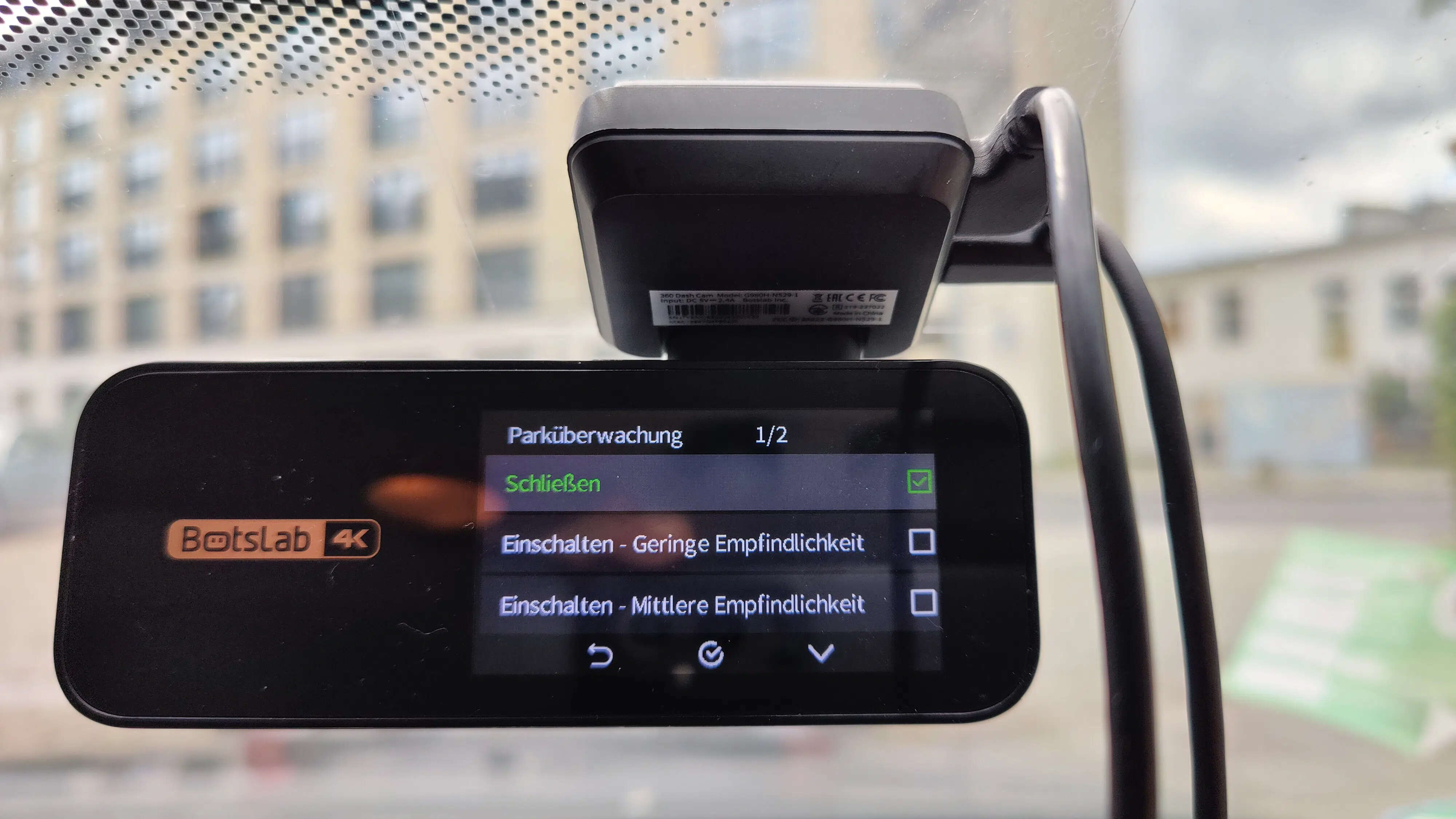
However, it is important that the actual function, namely recording a clip when a bump occurs while parking, works perfectly. It is advisable to set the G-sensor sensitivity to "high", then even minor bumps on the car will be visible as a 1-minute clip on the dashcam – however, only recorded by the front camera. In the future, I would like to see parallel recording from the rear camera. After a week of testing, I can also say: the car battery is happy and not drained.
Tip: The Botslab dashcam saves recordings made by vibrations in parking mode after you turn on the car's ignition. This is mistakenly displayed as "Emergency Recording" on the screen.
Conclusion: Convincing, but not yet perfect
The high-quality Botslab G980H 4K Dashcam offers a lot for its money, especially considering its often heavily reduced price. The 4K recordings are razor-sharp, and the Full HD rear camera also does a good job. However, Botslab could still improve the oversaturated sky representation.
The emergency recording responds reliably to the shock sensor, even if sometimes a bit too sensitively. However, this is a matter of settings. In addition to the included microSD card and a cable routing tool, the ADAS functions for pedestrian detection and notifying of a car directly in front of me starting to move are particularly commendable.
There's room for improvement in the lane departure warning, the distance warning, the German translation, and the app performance, especially when connecting via WiFi. The missing battery doesn't bother me. Firstly, dashcam batteries are always tiny anyway, and secondly, parking monitoring becomes obsolete when the battery gets old – this was the case with my old dashcam. However, it's good to know that the hardware kit and thus 24/7 parking surveillance works flawlessly.
And you? Do you use dashcams? Do you have any recommendations for us regarding 4K dashcams? Feel free to type away and let us know. Until then: Drive safely everyone! Ideally with a dashcam witness in the car!